EasyManua.ls Logo

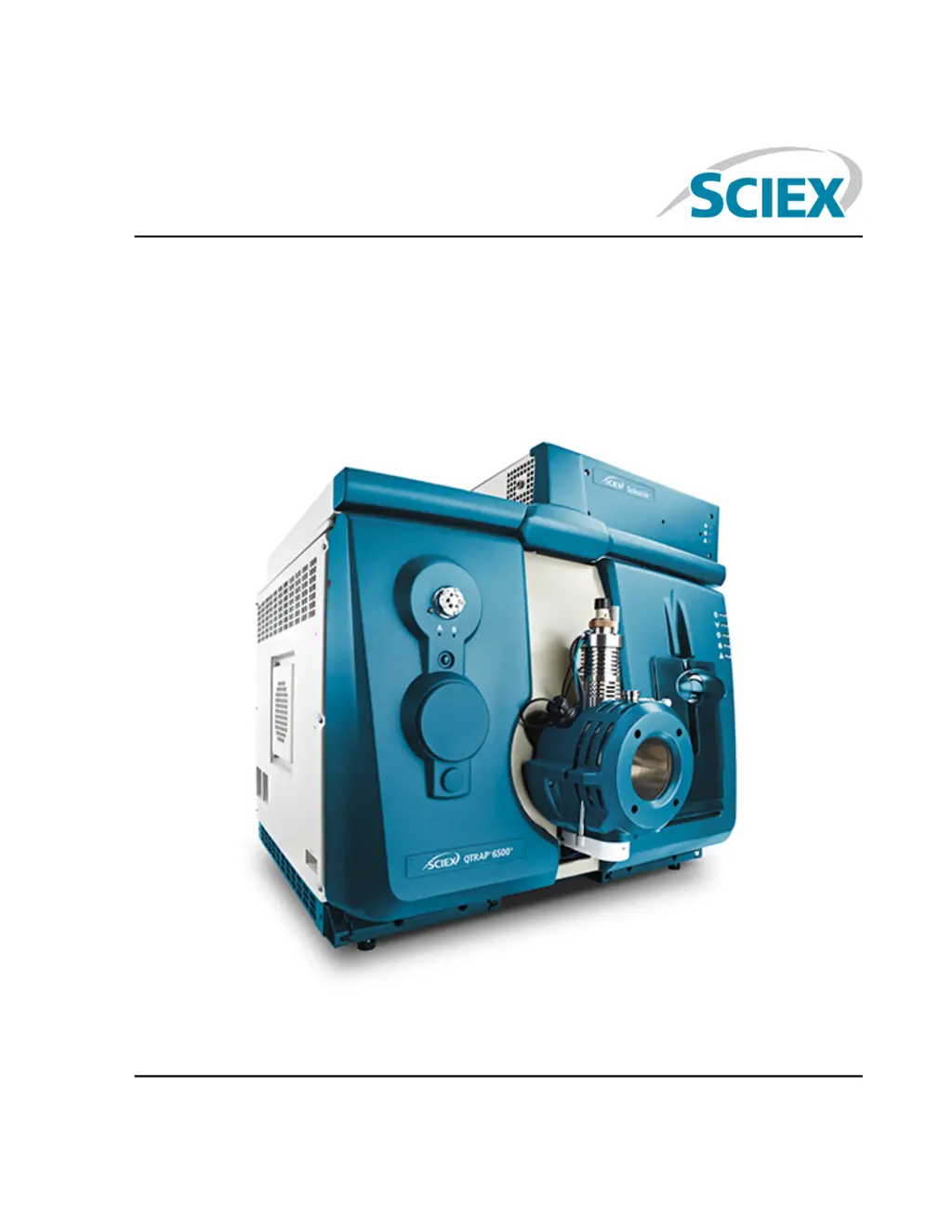
SCIEX 6500 series - User Manual

SCIEX 6500 series
181 pages
Print Icon
To Next Page IconTo Next Page
Loading...
6500 and 6500+ Series of Instruments
System User Guide
August 2015RUO-IDV-05-2095-A

Table of Contents

Other manuals for SCIEX 6500 series

Questions and Answers

  • T
    tiffanywashingtonJul 27, 2025
    Why is the vacuum pressure too high and causing a system fault in my SCIEX 6500?
    • A
      annagrayJul 27, 2025
      A system fault might occur in your SCIEX Laboratory Equipment due to high vacuum pressure because: * The roughing pump oil level is too low. Inspect the roughing pump oil level, and then contact the local QMP or an FSE to add oil. * There is a leak. Inspect and repair leaks. * The wrong orifice plate is installed. Install the correct orifice plate.
  • W
    William WoodsAug 11, 2025
    What to do if the IonDriveTM QJet ion guide in my SCIEX 6500 Laboratory Equipment gets dirty frequently?
    • P
      Peter GrahamAug 11, 2025
      If the IonDriveTM QJet ion guide in your SCIEX Laboratory Equipment becomes extremely dirty or frequently gets dirty, it might be because the Curtain GasTM flow rate is too low. Verify the setting for the CUR parameter, and increase it if needed.

Summary

Operational Precautions and Limitations

General Safety Information

General safety precautions and warnings for system operation and potential hazards.

Electrical Precautions

Warnings and guidelines related to electrical hazards, AC mains supply, and grounding.

Chemical Precautions

Safety measures for handling chemicals, waste disposal, and environmental hazards.

Hazard Symbols

Occupational Health and Safety Symbols

Descriptions of common safety symbols found in documentation and the laboratory environment.

Symbols, Indicators, and Labels: Mass Spectrometer

Identifies labels and symbols used on the mass spectrometer itself.

Principles of Operation

Hardware Overview

Provides a visual and descriptive overview of the mass spectrometer's physical components.

Theory of Operation-Hardware

Explains the fundamental mass spectrometry concepts and hardware components.

Operating Instructions-Hardware

Start Up the System

Step-by-step instructions for powering on and initiating the mass spectrometer system.

Shut Down the System

Procedures for safely powering down the mass spectrometer and its associated components.

Operating Instructions - Hardware Profiles and Projects

Hardware Profiles

Explains how to create and manage hardware configurations for the software.

Projects and Subprojects

Guidance on organizing experimental data into projects and subprojects for better management.

Operating Instructions - Automatic Optimization

About Automatic Optimization

Introduces the process of automatically optimizing instrument parameters for analytes.

Types of Sample Introduction

Details the differences between infusion and FIA for sample introduction methods.

Operating Instructions - Analyze and Process Quantitative Data

Quantitative Analysis

Explains the process of determining substance concentration using standards and calibration curves.

Peak Review and Manual Integration of Peaks

Guides users on reviewing and manually adjusting peak integrations for accurate quantitation.

Service and Maintenance Information

Recommended Maintenance Schedule

Provides a schedule for routine cleaning and maintenance tasks to ensure optimal performance.

Clean the Surfaces

Instructions for cleaning external surfaces of the mass spectrometer after spills or normal use.

Mass Spectrometer Troubleshooting

Appendix A Operating Instructions - Manual Optimization

Manually Optimize an Analyte

Step-by-step procedure for manually adjusting parameters to optimize analyte detection.

Optimize MS-Specific Parameters

Details on optimizing specific MS parameters like Declustering Potential (DP) and Entrance Potential (EP).

Appendix B 6500 and 6500+ Series System Parameters

Appendix C Calibration Ions and Solutions

Appendix D Toolbar Icons

SCIEX 6500 series Specifications

General IconGeneral
Polarity SwitchingYes
Dynamic Range> 5 orders of magnitude
Mass AnalyzerTriple Quadrupole
Ion SourceTurbo V Ion Source
Ionization SourceElectrospray Ionization (ESI) and Atmospheric Pressure Chemical Ionization (APCI)

Related product manuals