6
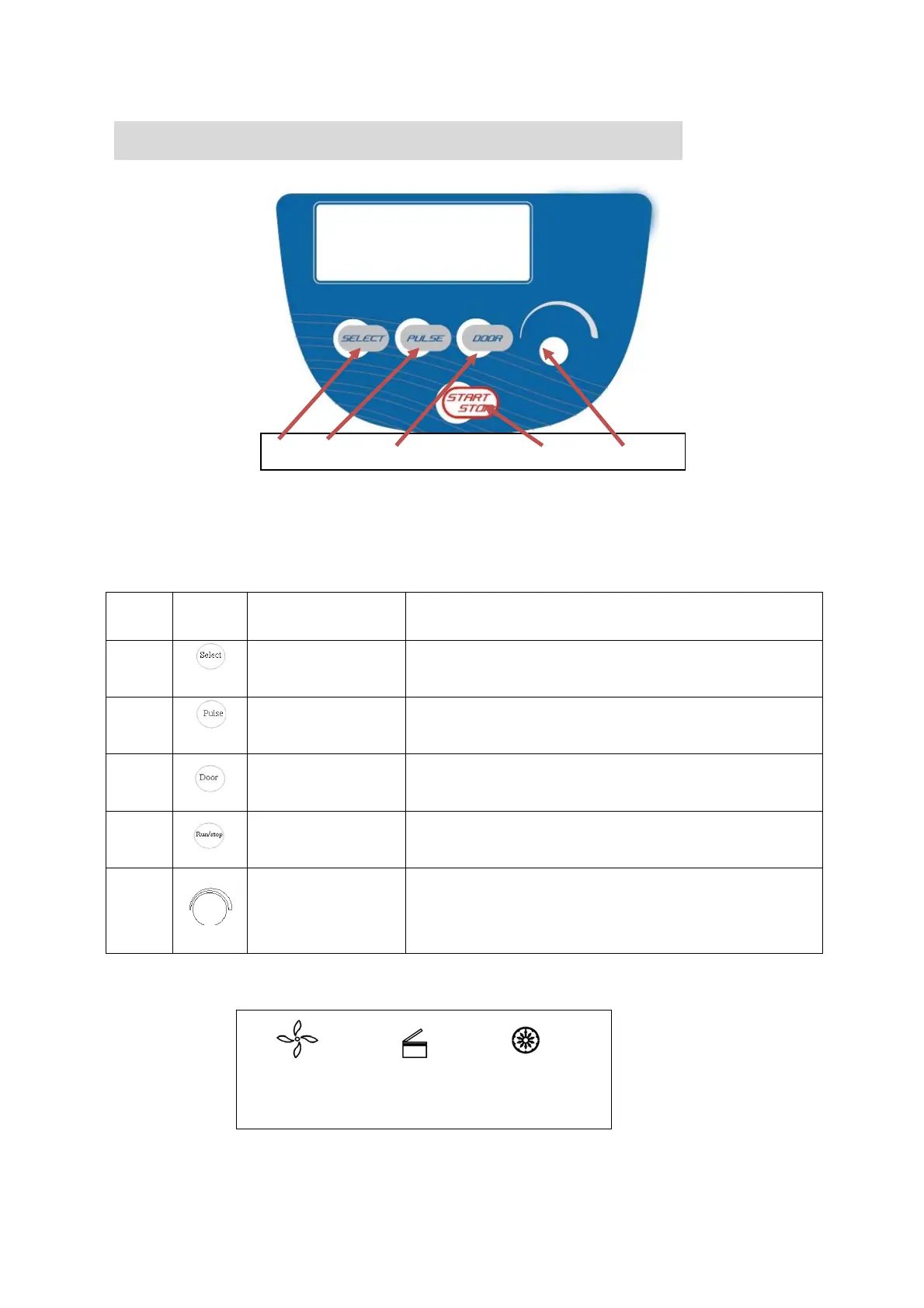
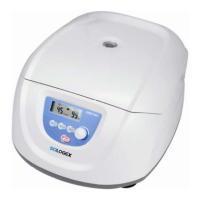
6. Operation panel
Figure 6-1 Operation panel
Item Symbol Name Function
1
Select button
Press the button to choose the program which you want to
modify.
2
Pulse button
The speed can be accelerated and held at the speed when
pressing Pulse on.
3
Open/ lock button
Press the button to open the door The button is not available
when the centrifuge is running.
4
Start/ Stop button
Press the button to start running. The centrifuge will brake to
stop running if pressed during centrifugation.
5
Parameter button
Clockwise rotate to increase program values. Rotate
anti-clockwise to decrease parameter values.
Press the button, shift between speed and RCF display.
Figure 6-2 The main interface
1 2 3 4 5
Speed area Lock status Time area
45 12 min
×100rpm


 To Next Page