EasyManua.ls Logo

Scilogex SK-R1807-E - Operation Procedures; Analog Model Operation; LED Digital Model Operation

Scilogex SK-R1807-E
16 pages
Print Icon
To Next Page IconTo Next Page
To Previous Page IconTo Previous Page
Loading...
!
7!
!
!
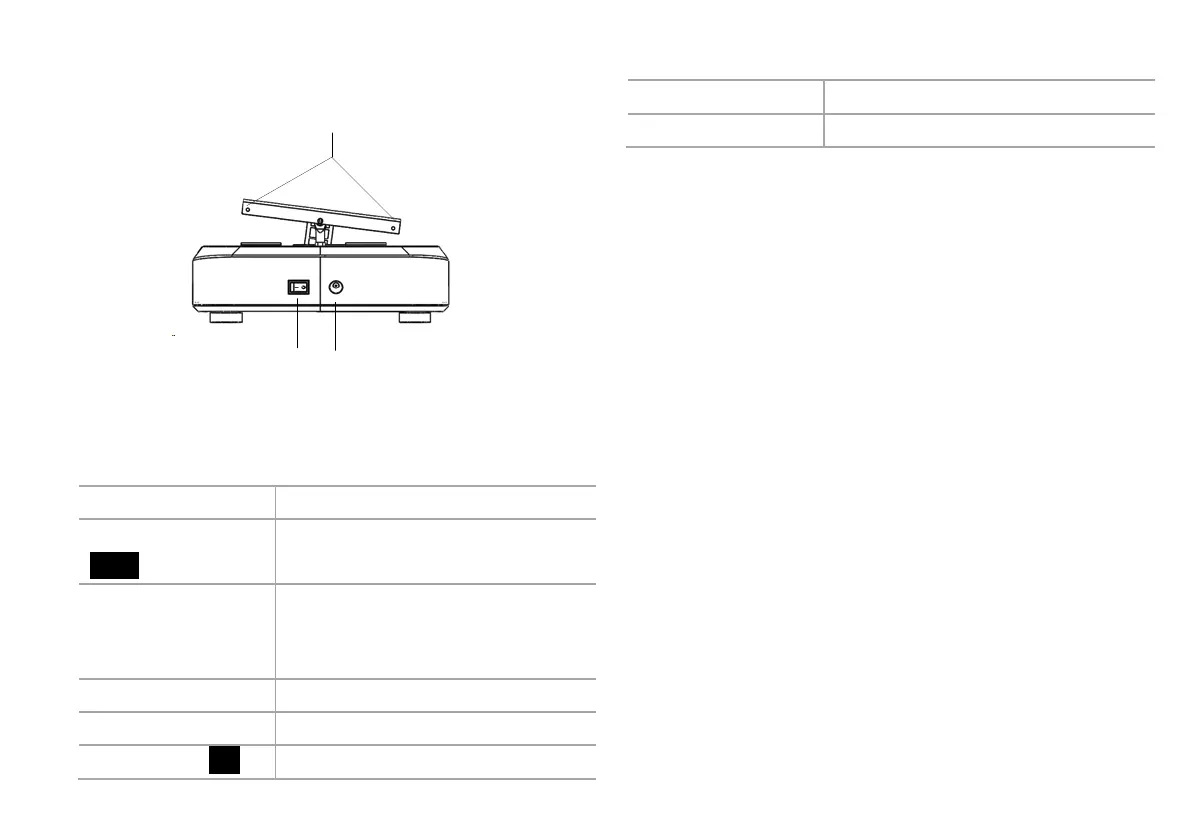
Power switch
Power interface
Screws
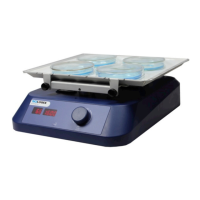
LED Digital Rocking shaker
Items
Default settings
Mode switch button
Mode
Shift speed and time setup mode
Parameter adjusting
knob
Set speed and time by rotating the
knob. Push on/off to start/stop
rotating function.
Speed display
Display the set speed values.
Time display
Display the set time values.
Power switch I/O
Switch ON or OFF the instrument.
Shaking table
Shaking.
Screw
Install the platform.
5. Operation
5.1 Analog Model
Place the instrument in safe and stable surface, ensure
the required operating voltage and power supply
voltage matched.

Connect the power cable.
Install the platform.
Switch ON the instrument.
Rotate the speed control knob clockwise to set target
speed, and the shaking function will be switched on.
Rotate the speed control knob to the left-most position
to switch off the shaking function.
Switch OFF the instrument.
5.2 LED Digital Model
Place the instrument in safe and stable surface, ensure
the required operating voltage and power supply
voltage matched.

Related product manuals