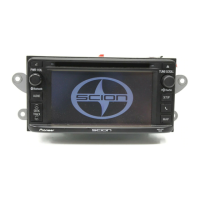
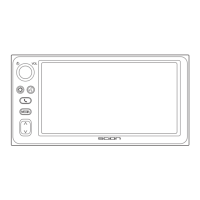
3 AUDIO CONTROL
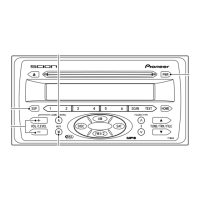
Press and the Audio Control mode
cycles through the following order:
(Sound Retouch) =
(Bass) = (Treble) =
(Fader) = (Balance) =
(volume) = (Sound Retouch)
SRT : The SRT function pro-
vides a wide, deep and
rich quality to MP3
sound, which gives the
user a lively impression.
You can turn the SRT on
and off by pressing the
VOLUME + or – buttons.
BAS : Adjust low-pitched tones.
The display ranges from
–5 to 5.
TRE :
Adjust high-pitched tones.
The display ranges from
–5 to 5.
FAD : Adjust the sound balance
between the rear and
front speakers. The dis-
play ranges from –R7 to
–F7.
BAL : Adjust the sound balance
between the left and
right speakers. The dis-
play ranges from –L7 to
–R7.
4 SSP (Scion Sound Processing)
SSP is a modified DSP (Digital Signal
Processing) system that provides a
customized sound for your vehicle.
You can select from the modes
below.
SSP Neutral : A subdued sound that
does not interfere with
conversations.
SSP Hear : A powerful, energetic,
“live” sound.
SSP Feel : Player’s sound —> repro-
duces the sound on the
stage that musicians
hear.
For more details, please visit the SCION
Web site at http://www.scion.com/
.
Each time you press it, the SSP
changes in the following order:
==
=
5 MUTE
To reduce the volume instantaneous-
ly, press the MUTE button.
will flash on and off.
To cancel this mode, press the
MUTE button again.
NOTICE
• The SRT function can only
be selected when playing
MP3s from CD.
• The SRT function does not
support external com-
pressed audio media.
5


 To Next Page