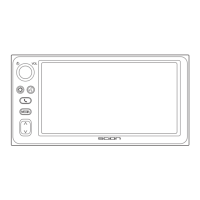
Listening to a XM
Satellite Radio broad-
cast
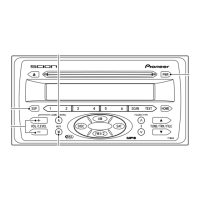
1 SAT
Switches between the SAT 1/2/3
modes.
2 TUNE <UP>
Pressing this lets you select the next
higher channel.
If you press and hold, you can rapidly
scroll forward through the channels.
While displaying Channel Category
by TYPE UP/DOWN, pressing this
lets you select the next channel for-
ward within the currently selected
type (Channel Category).
3 TUNE <DOWN>
Pressing this lets you select the pre-
vious channel.
If you press and hold, you can rapidly
scroll down through the channels.
While displaying Channel Category
by TYPE UP/DOWN, pressing this
lets you select the previous channel
within currently selected type
(Channel Category).


 To Next Page