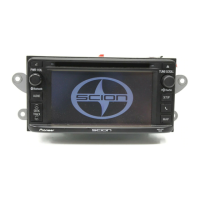
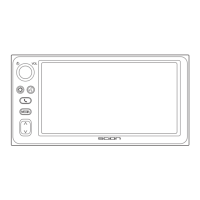
18
Changing the
Welcome Screen
With the main unit switched on
after pressing the Power button,
once the key is turned from the
ACC position to the off position and
back to ACC again, “Scion” is dis-
played as the Welcome Screen.
Users can edit the text themselves
to make another Welcome Screen,
as an alternate to the default
“Scion” display. Up to a maximum
of 12 characters can be displayed.
The procedure is described below.
1 Moving to “Customize Mode”
to Enable Editing
1 With the main unit on, turn the
key from the ACC position to the
off position.
2
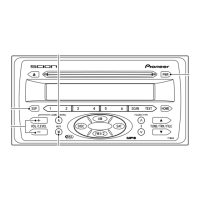
On the main unit, press and hold
AUDIO CONTROL then turn the key
to ACC. The horizontal line in the
LCD display will start flashing.
3 Within 15 sec. after confirming
the horizontal line is flashing, press
and hold the MUTE button then
turn the key to OFF position. (If 15
sec. elapse before you complete
the button presses, “TIME OUT”
will be displayed and the unit will
beep twice. If this occurs, repeat
the procedure from Step 1).
This completes shifting to the cus-
tomize mode.


 To Next Page