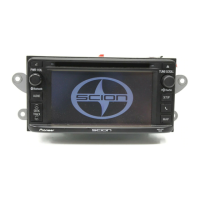
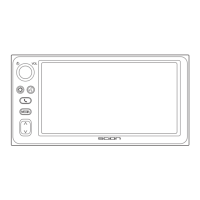
Listening to a MP3 DISC
If you select a MP3 disc, is
indicated in the display.
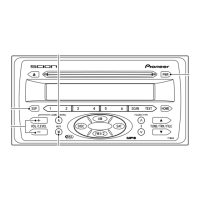
1 FILE 5<UP>
Press to proceed to the next file.
2 FILE ∞<DOWN>
Pressing once takes you back to the
start of the file currently playing.
Press to return to the previous file.
3 FOLDER <UP>
Press to proceed to the next folder.
(While playing a CD that includes MP3
files, press and hold to switch between
CD-DA and MP3 files. Refer to page 20
and 21.)
4 FOLDER <DOWN>
Press to return to the previous folder.
5 HOME
Press to jump to HOME.


 To Next Page