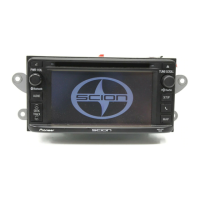
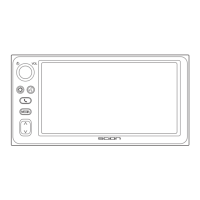
Display the RADIO ID
Each XM tuner is identified with a
unique Radio ID. You will need the
Radio ID when activating XM ser-
vice or when reporting a problem.
How to display RADIO ID
If you select “CH 000”, the ID Code
is displayed.
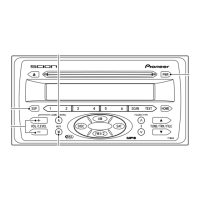
Select the Channel Number zero (000)
with the 2 or 3 buttons.
The RADIO ID is displayed as 8
alphanumeric characters.
(Refer to page 17 to confirm your radio
ID code)
Record your ID Code below
ID CODE ___ ___ ___ ___ ___ ___ ___ ___
NOTICE
• If you select another Channel,
display of the ID Code is can-
celed.
• Channel (000) alternates the
display between "RADIO ID"
and the specific radio ID code.
16


 To Next Page