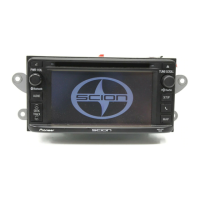
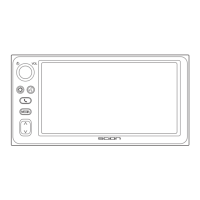
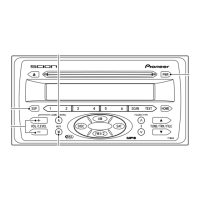
3 TUNE5<UP>
Press to manually select (one step at
a time) the station with the next
higher frequency.
Press and hold until you hear a beep,
and automatic station selection
begins to select stations in order of
increasing frequency.
4 TUNE∞ <DOWN>
Press to manually select (one step at
a time) the station with the next
lower frequency.
Press and hold until you hear a beep,
and automatic station selection
begins to select stations in order of
decreasing frequency.
5 PRESET 1-6
Press to recall previously stored sta-
tions (Preset Channels).
Press and hold until you hear a beep,
and the station you are currently
tuned to is stored as a Preset
Channel.
6 SCAN
If you press,
SCAN
is indicated in
the display and SCAN begins search-
ing for stations with good reception.
If you press and hold until you hear a
beep,
SCAN
is indicated in the dis-
play and SCAN of preset channels
begins.
NOTICE
You can store up to 6 stations
per band.
7


 To Next Page