INCU-C Series V2018.1.1
13
6. Setting Parameters for Constant Temperature Control Mode
(Fixed Mode)
6.1 Set temperature
Temperature Range: 4°C to + 65°C (INCU Series)
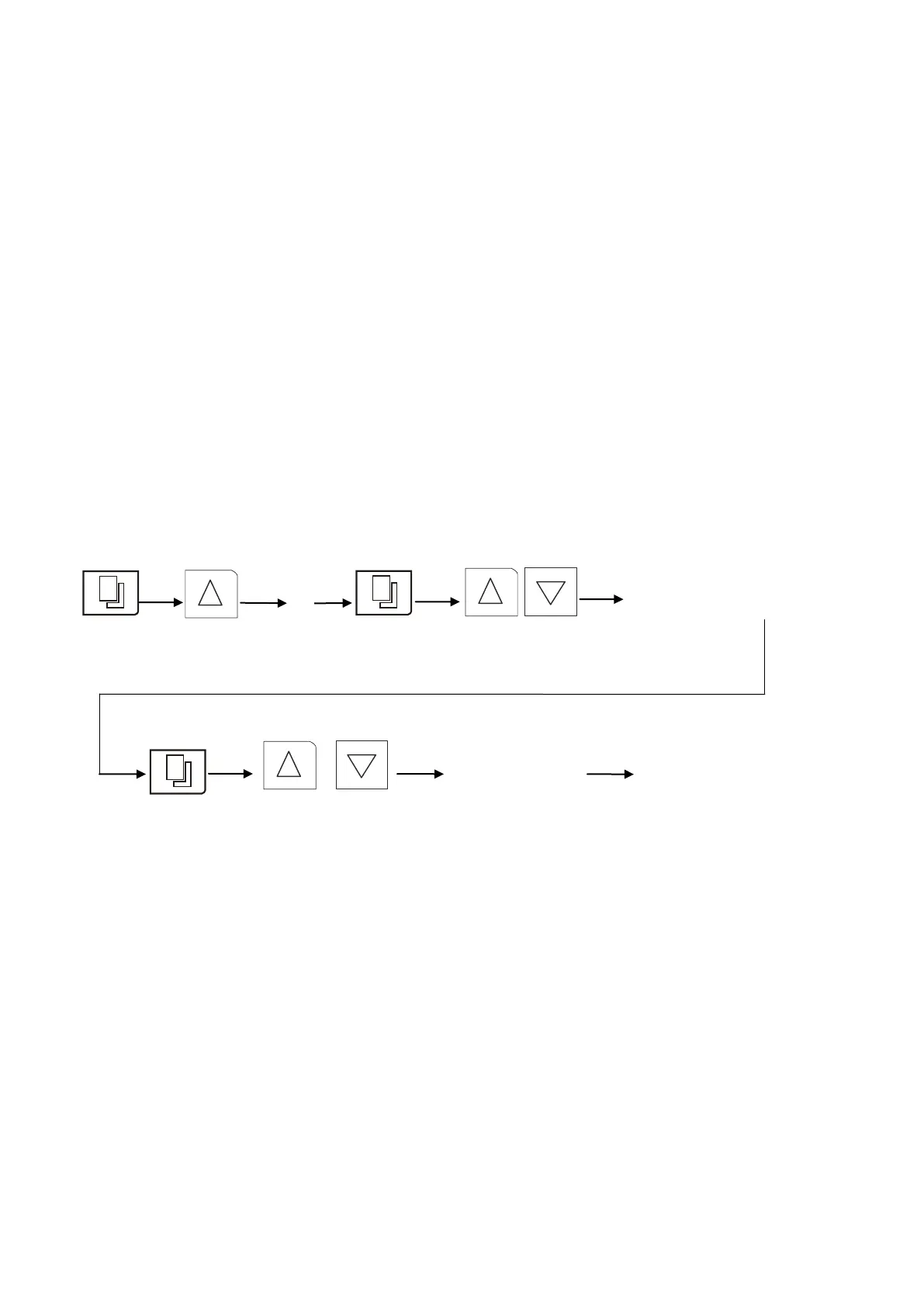
Press SET and enter the password “3”. Press the SET key again to enter the
temperature set function. Press the Increase or Decrease key to set the de-
sired temperature.
6.2 Set Timer
Only if you want to run the incubator on the Timer, otherwise, just leave it as “0”.
To set timer, press the Set key to enter the timer set function. Press the In-
crease or Decrease key to set the desired operation timer.
Press the Set key to confirm/store the new settings.
Simplified instruction on the setting of control mode

 To Next Page
 Loading...