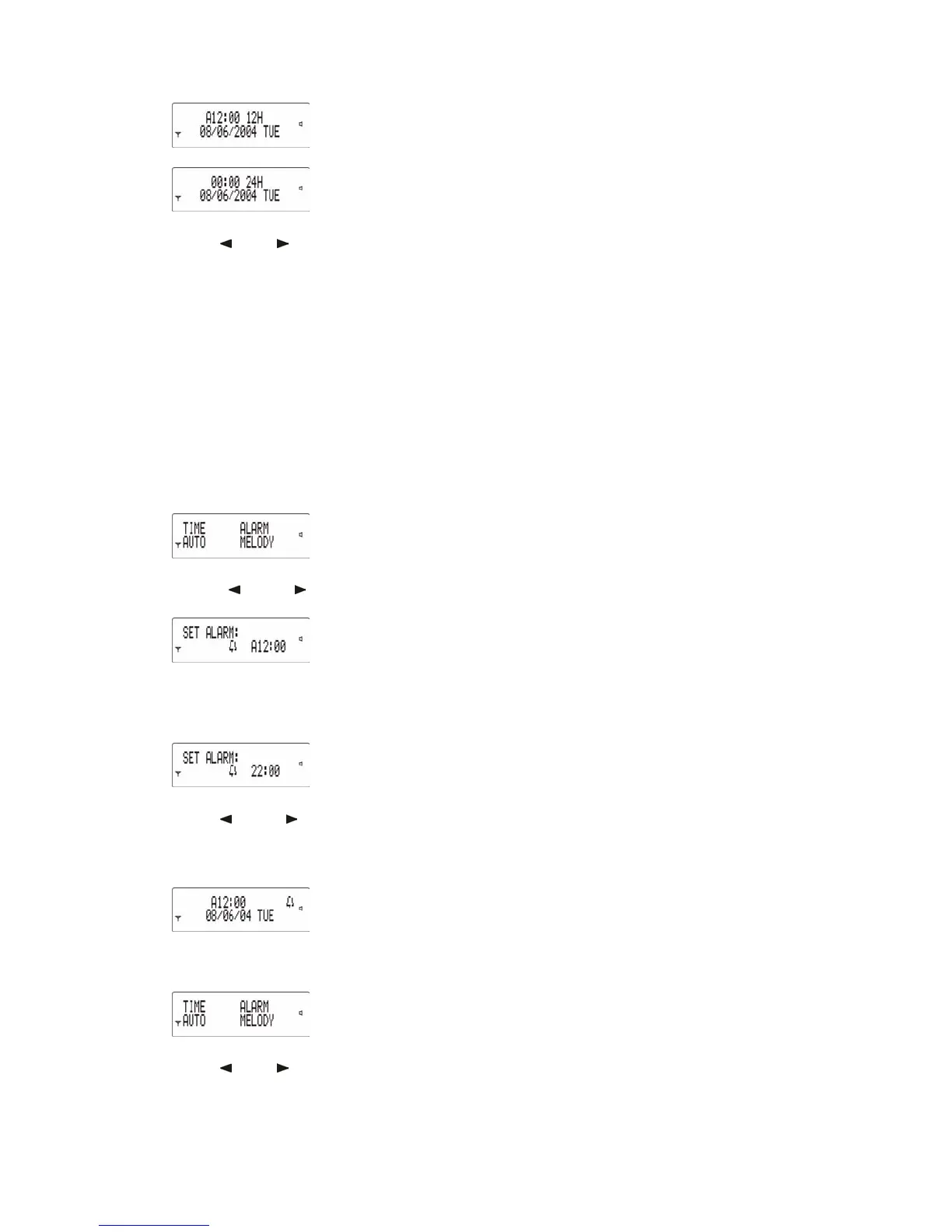
will be:
Press "
" or " " to change hour, minute, time
format, date and day. Press Read key
to set the next item until the last one (i.e. day),
then press Read key to finish setting. The
pager will detect automatically, with very short
sounds or vibrations to indicate errors to the user
if there is a mistake when setting the date,
e.g. setting 31 days in February.
Note: Whilst setting, press Selection key to
exit from Setup menu without saving settings.
4.2 Alarm Setting
Press Selection key to enter Setup menu:
Press "
" or " " to select ALARM, then press
Read key to enter "SET ALARM" menu:
If 24-hour format is selected by the user in
the “TIME” menu, the alarm setting screen
will be :
Press "
" or " " to set time and alarm on
or off. Press Read key to finish setting. Also,
if alarm function is enabled, a “BELL” icon
will be shown on standby mode screen.
4.3 Automatic Power On/Off Setting
Press Selection key to enter Setup menu:
Press "
" or " " to select AUTO, then press
Read key to enter the relevant menu:



 To Next Page