Need help?
Do you have a question about the SCT 7015 and is the answer not in the manual?
Instructions for updating device firmware and tune revisions.
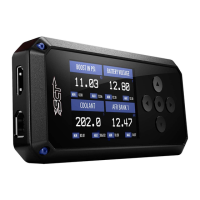
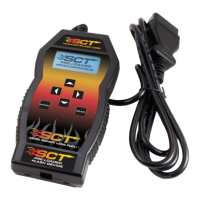
Details about the SCT device, available tunes, and VIN locking.
Guides on powering on the X4 device using the vehicle or computer.
Steps to load custom tunes from email using the SCT Device Updater software.
Overview of the device's menu structure for programming, diagnostics, and settings.
Explanation of how to navigate the device interface using the keypad and buttons.
How to retrieve the vehicle's calibration ID (strategy) required for custom tunes.
Procedure for reading and clearing Diagnostic Trouble Codes (DTCs) related to check engine lights.
Step-by-step guide to installing pre-loaded tune files onto the vehicle.
Instructions for installing custom tunes provided by an SCT dealer.
Process for restoring the vehicle's original factory tune from the saved stock file.
Details on user-adjustable parameters available within tuning files for diesel and gas vehicles.
How to use the device for monitoring real-time vehicle data and creating datalogs.
Guide on connecting external analog sensors to the device for data logging.
Customization options for the device, including display, network, and reset functions.
Frequently asked questions about the X4 programmer's functionality and usage.
Information on how to contact SCT Performance for support via email or online chat.
 General
| Form Factor | ATX |
|---|---|
| Memory Slots | 2 |
| Storage Interfaces | 4 x SATA 6Gb/s |
| USB Ports | 6x USB 2.0 |
| Video Outputs | VGA |


 To Next Page