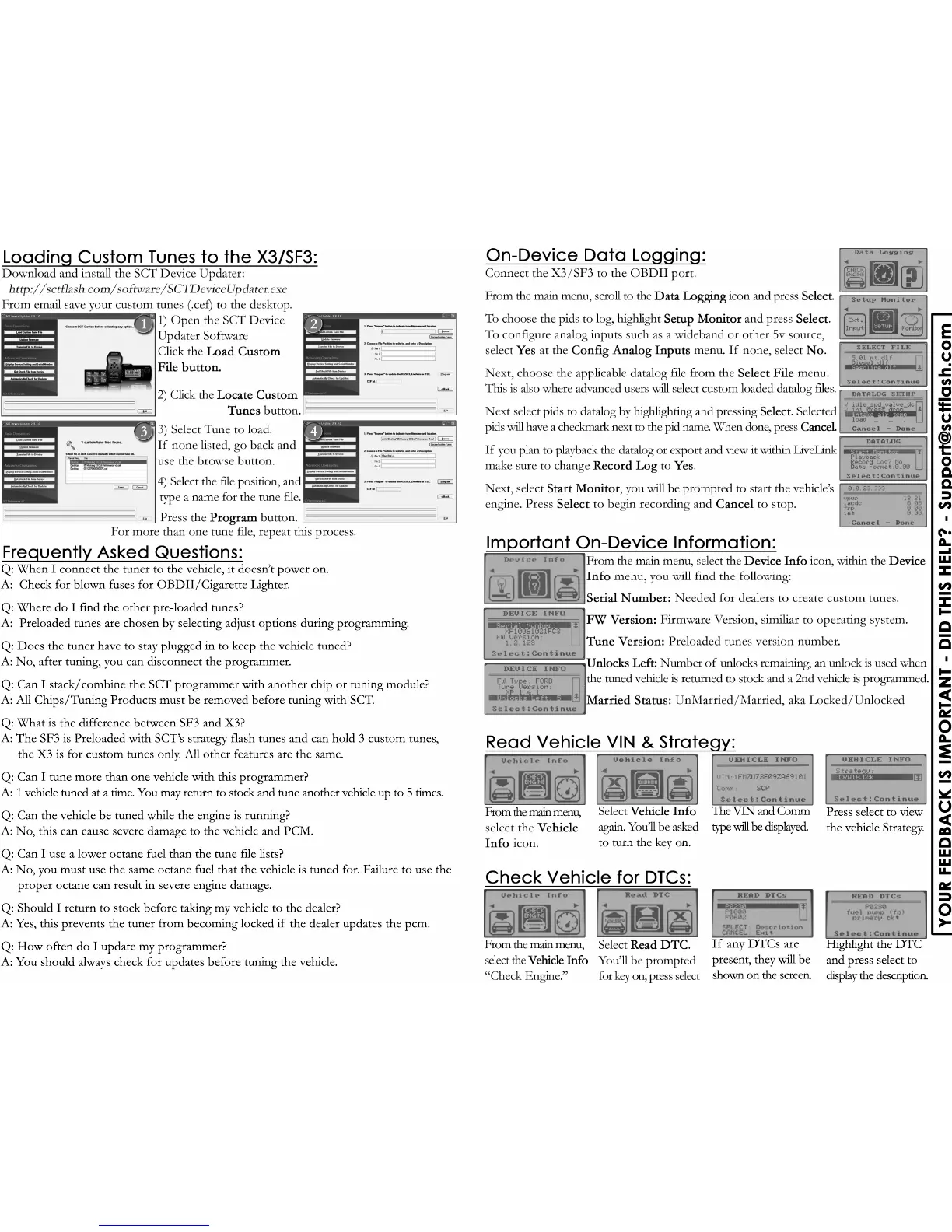
Highlight the DTC
and press select to
display the description.
If any DTCs are
present, they will be
shown on the screen.
Press select to view
the vehicle Strategy.
The VIN and Comm
type will be displayed.
Q: When I connect the tuner to the vehicle, it doesn’t power on.
A: Check for blown fuses for OBDII/Cigarette Lighter.
Q: Where do I find the other pre-loaded tunes?
A: Preloaded tunes are chosen by selecting adjust options during programming.
Q: Does the tuner have to stay plugged in to keep the vehicle tuned?
A: No, after tuning, you can disconnect the programmer.
Q: Can I staQ: Can I stack/combine the SCT programmer with another chip or tuning module?
A: All Chips/Tuning Products must be removed before tuning with SCT.
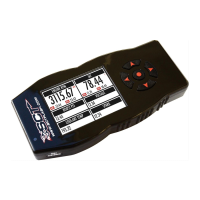
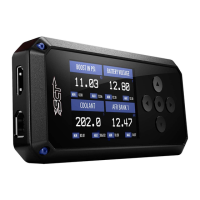
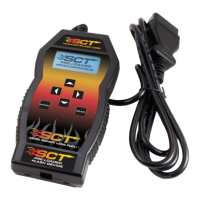
Q: What is the difference between SF3 and X3?
A: The SF3 is Preloaded with SCT’s strategy flash tunes and can hold 3 custom tunes,
the X3 is for custom tunes only. All other features are the same.
Q: Can I tune more than one vehicle with this programmer?
A: 1 vehicle tuned at a time. You may return to stock and tune another vehicle up to 5 times.
Q: Can the Q: Can the vehicle be tuned while the engine is running?
A: No, this can cause severe damage to the vehicle and PCM.
Q: Can I use a lower octane fuel than the tune file lists?
A: No, you must use the same octane fuel that the vehicle is tuned for. Failure to use the
proper octane can result in severe engine damage.
Q: Should I return to stock before taking my vehicle to the dealer?
A: Yes, this prevents the tuner from becoming locked if the dealer updates the pcm.
Q: HQ: How often do I update my programmer?
A: You should always check for updates before tuning the vehicle.


 To Previous Page
 Loading...