SCUF Envision | 11 Quick Start Manual | English
ONBOARD CUSTOMIZATION:
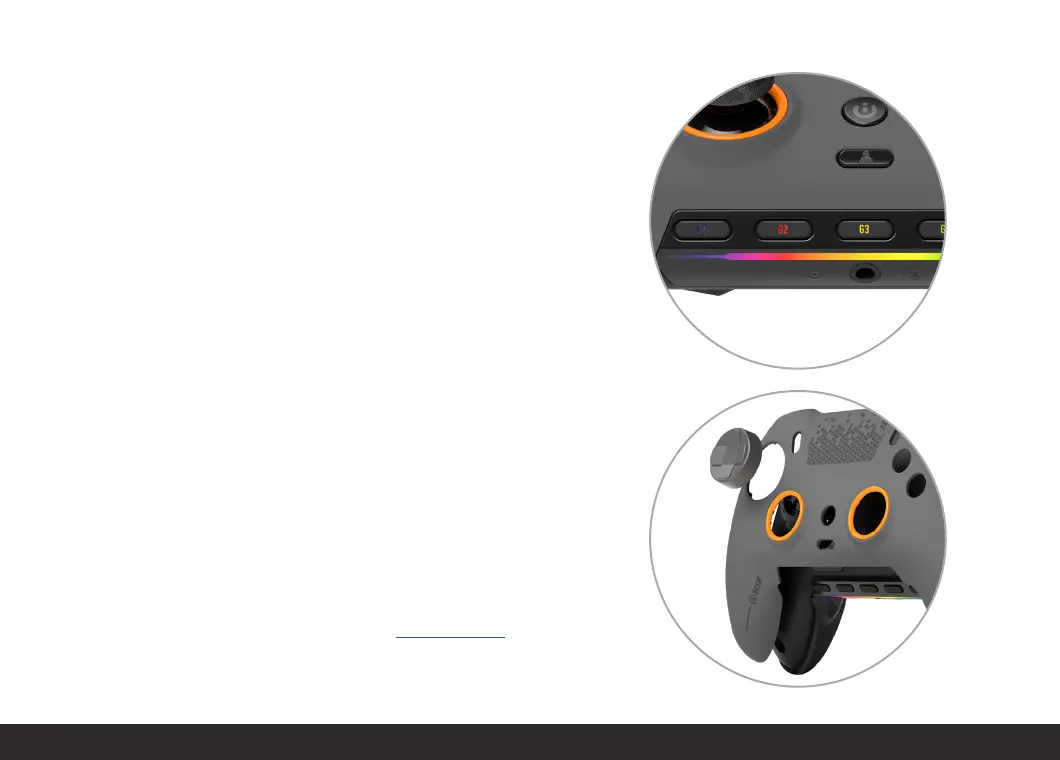
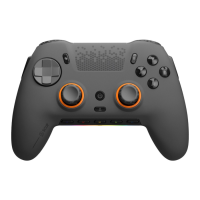
Want to swap your thumbsticks? Change your D-Pad? Change up your
faceplate? Simply remove your faceplate by gently pulling it from the
top, near the USB-C port and pull away. Make your changes. Reverse the
motion to replace. Game on.
Keep your look fresh with a new Faceplate, Thumbsticks and Anti-Friction
Rings — there are endless combinations available at scufgaming.com.
Make it yours.
G KEYS:
Compatible with any iCUE supported device or function, the G Keys on
Envision give you a new level of control. Fully synchronize your RGB lighting,
or dive into even more advanced setups. You’re in total control.
The default G Key functions are below.
n
G1: Mute Mic
n
G2: Volume Down
n
G3: Volume Up
n
G4: Mute Audio Output
n
G5: Eco Mode (turns off RGB Lighting Strip to save power)
Total control.


 To Next Page