SCUF Envision | 15 Quick Start Manual | English
iCUE x Envision
FIRST TIME USING iCUE?
If this is your first time using iCUE, please note that iCUE will detect
all iCUE compatible devices, including Envision. You will be prompted
to download and update to the latest firmware on any of your eligible
devices, including Envision.
GETTING STARTED WITH iCUE + ENVISION
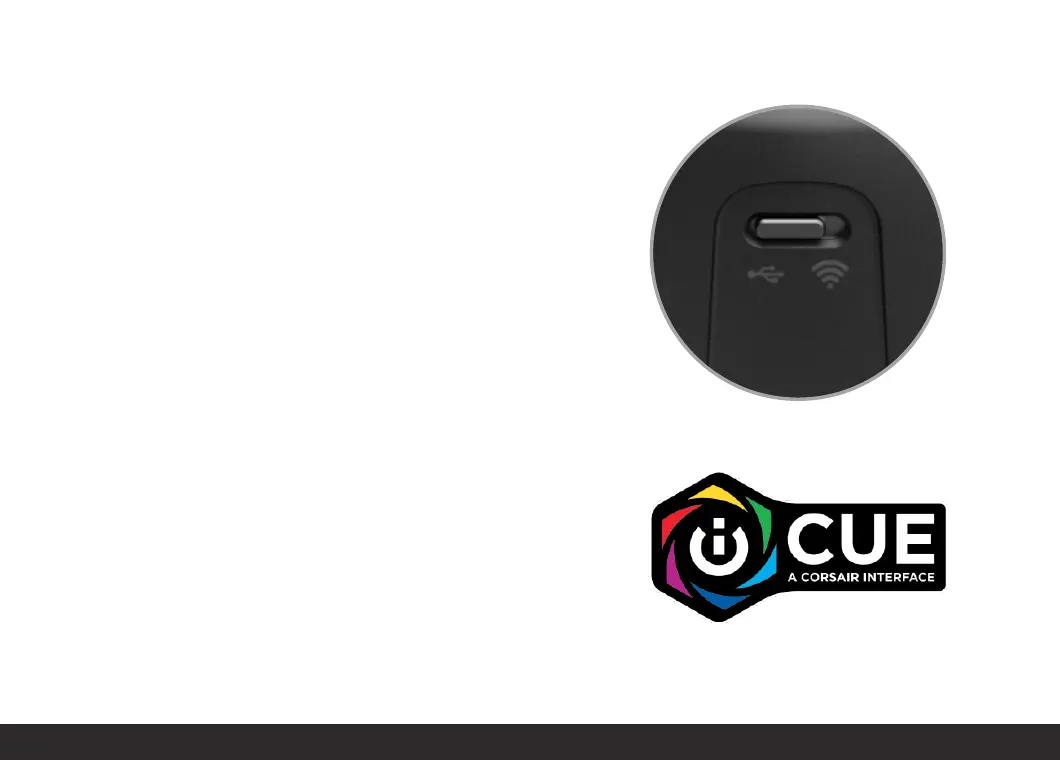
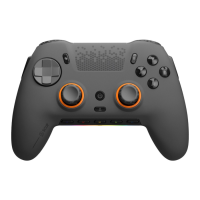
To begin configuring your controller with iCUE, plug in your controller to
your PC via the provided USB-C cable. If you are using an Envision Pro
model, please ensure that the switch on the back of the controller is set
to USB mode.


 To Next Page