SCUF Envision | 16 Quick Start Manual | English
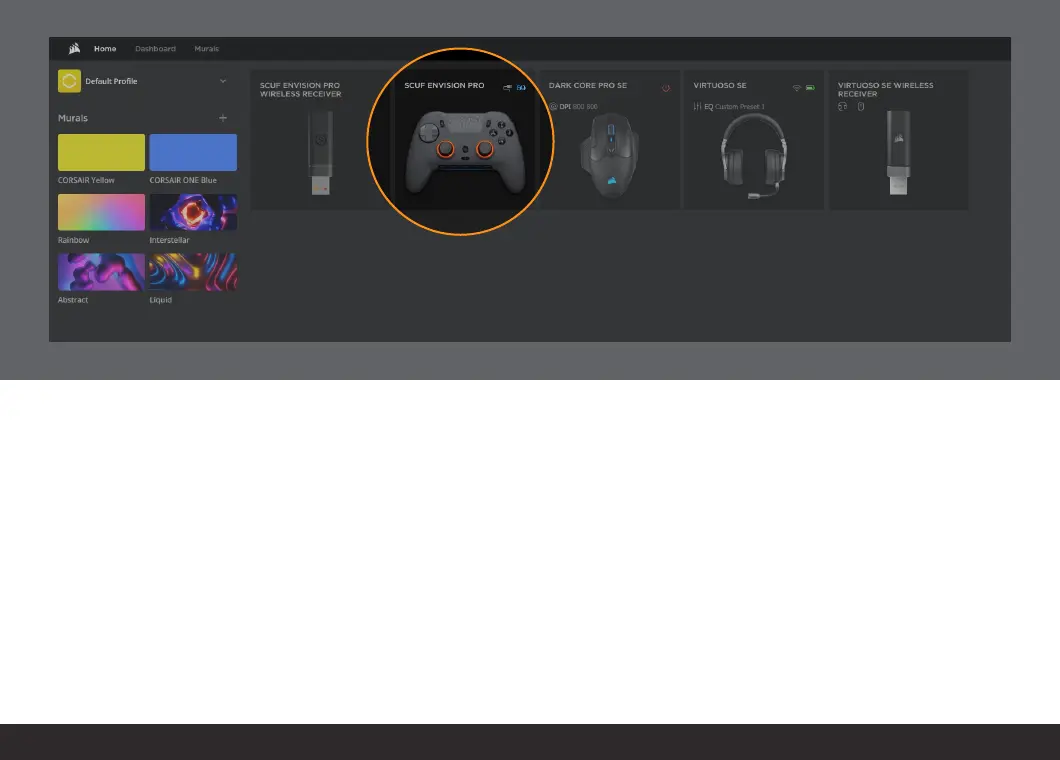
After launching iCUE, you will be presented with a home screen.
The home screen shows all of your iCUE compatible devices.
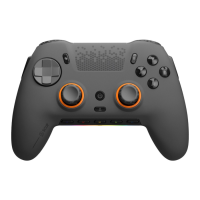
Select the SCUF Envision module to begin configuring your controller.
Within the Envision module, there are sections that allow you to
configure the settings of your controller. Please note that when first
ever using Envision, iCUE settings will not populate the controller until
you click into each settings section.


 To Next Page