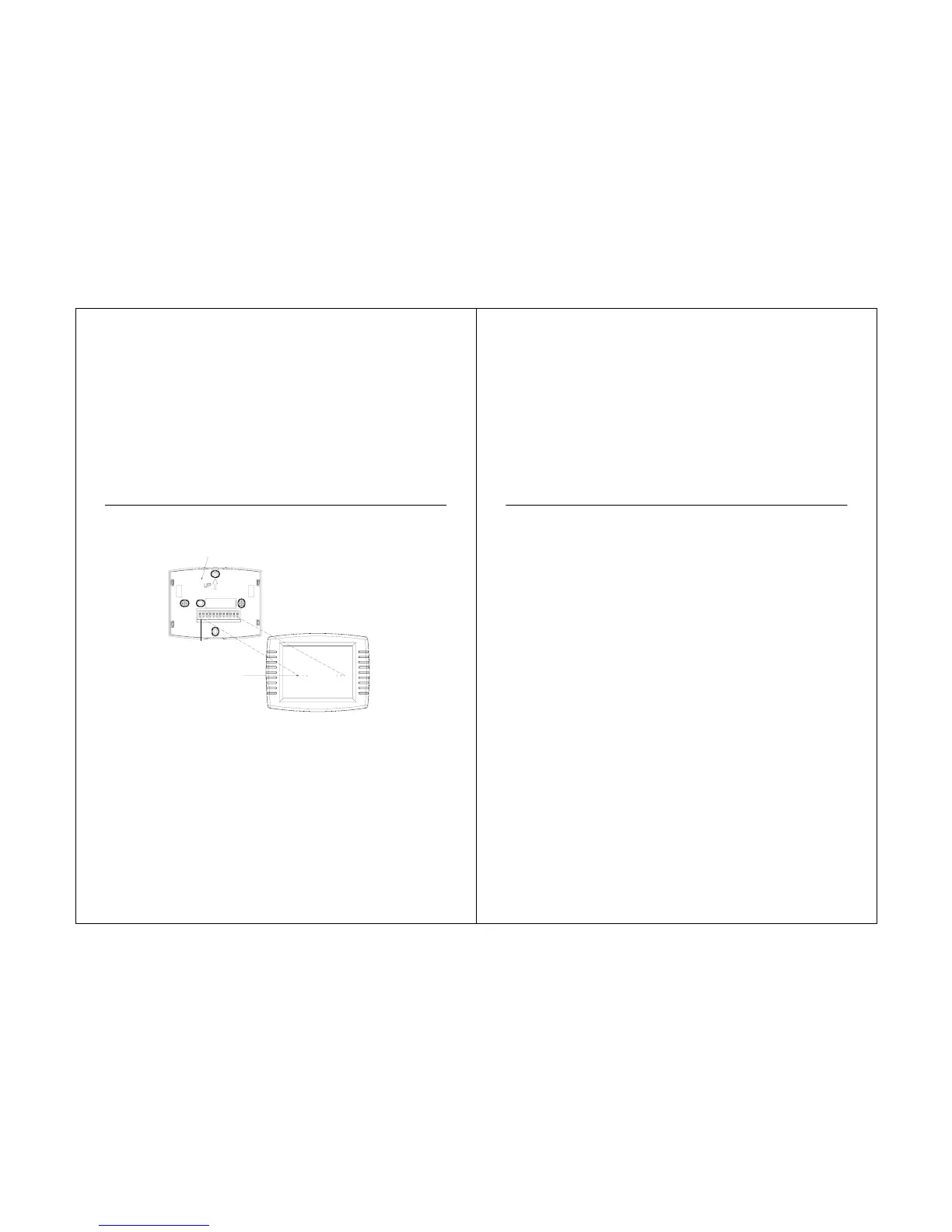
Mount the sensor where:
·the settings cannot be tampered with.
·there is good air circulation.
·it can measure true outdoor ambient temperature.
·there is a flat surface.
·maximum distance between outdoor sensor and touchscreen thermostat is 65 ft (20m).
See fig 20.
Do not mount the sensor
·in direct sunlight.
·where hot or cold air blows on the sensor. Discharge line from an outdoor compressor
unit, vent or fan causes inaccurate temperature readings.
·where snow, ice or debris can cover it.
Use the following steps to mount the sensor:
1. Remove the sensor from the mounting clip.
2. Mark the area on the location selected for mounting the sensor mounting clip.
3. Mount the clip.
33



 To Next Page