rammable Thermostat
POWER
THE
THERMOSTAT
30
You can choose from three methods to power the thermostat.
· Batteries only (AA alkaline).
· 24VAC common wire only.
· 24VAC common wire with battery backup (AA alkaline).
Wirin
C
Common
· Single-Transformer
System:
Conn
ect the common side of the transformer to the C screw terminal of the
thermostat wallplate. Leave the metal jumper wire in place between RC and R.
·
Two Transformer System:
Connect power side of "Cooling" transformer to RC terminal. Remove factory
installed jumper. Connect common side of "Cooling" transformer to the compressor
contactor, relay, etc. Connect power side of "Heating" transformer to the R terminal.
Connect the common side of the Heat relay to the C terminal.
STS11 Touchscreen Pro
rammable Thermostat
Installin
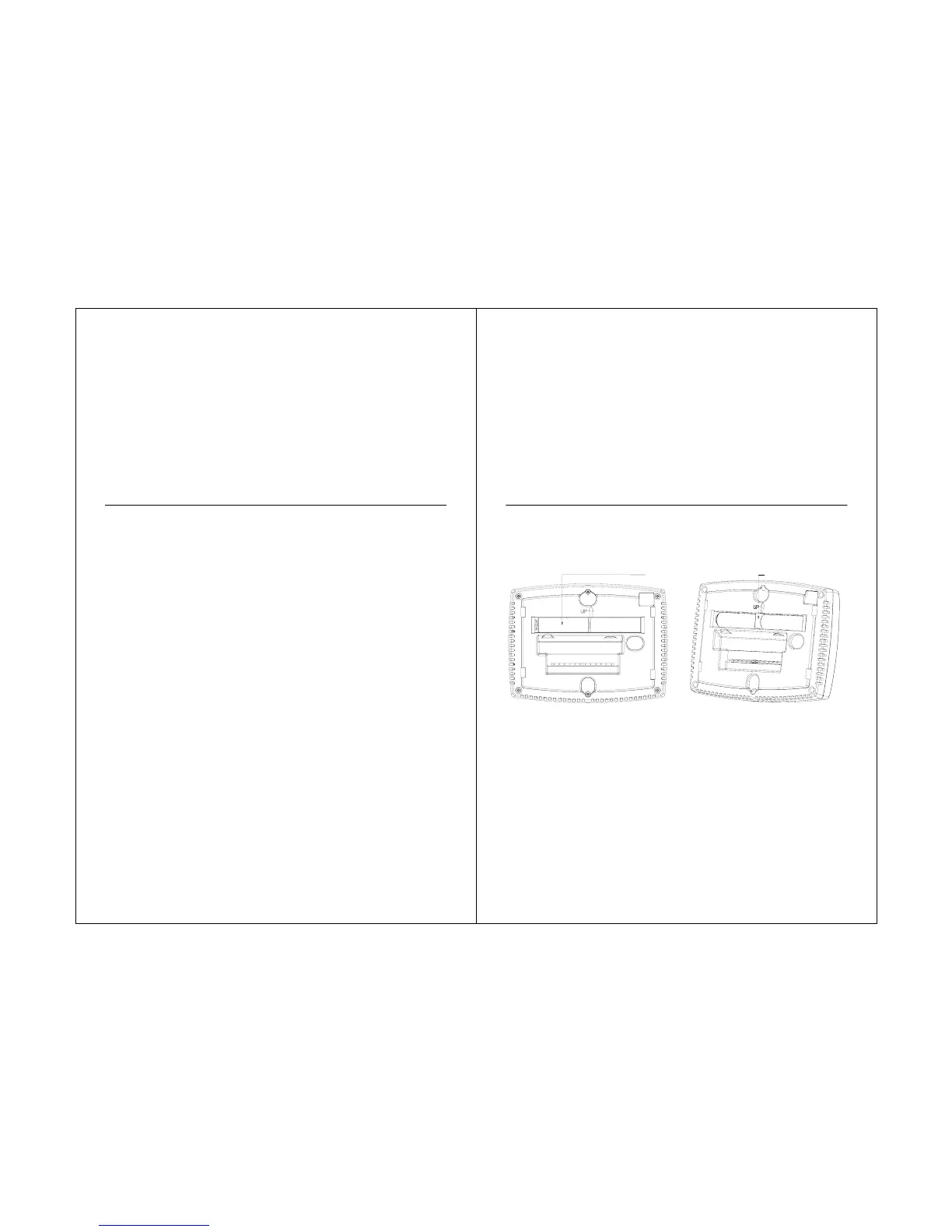
1. Install Two AA alkaline batteries on the
back of the thermostat as marked on the
thermostat. See Fig. 17.
Fig. 17. Installing batteries.
2. Locate and remove the tab. See Fig. 18.
Fig. 18. Remove tab.
31
BATTERIES(2)
-+-+
REMOVE
TAB



 To Next Page