rammable Thermostat
PROGRAMMING
Preprogrammed
Energy Star Settings
Table 6 shows default program settings. Visit the Energy Star web site at
www.energystar.gov
for additional education and resources on programmable thermostats.
Table 6. Energy Star Default Program Settings.
Time Heat Cool Fan
Schedule
Period
Default
Setting
Revised
Setting
Default
Setting
Revised
Setting
Default
Setting
Revised
Setting
Default
Setting
Revised
Setting
WAKE 6:00AM 68°F (20°C) 78°F (26°C) AUTO
DAY 8:00AM 60°F (16°C) 85°F (29°C) AUTO
EVENING 4:00PM 68°F (20°C) 78°F (26°C) AUTO
SLEEP 10:00PM 60°F (16°C) 82°F (28°C) AUTO
Pro
Schedule
Your thermostat can control up to four different schedule periods per day:
WAKE
-
Period when you awaken and want your home at a comfortable temperature.
DAY
-
Period when you are away from home and want an energy-saving temperature.
EVENING-Period when you return home and want your home return to a comfortable
temperature.
SLEEP
-
Period when you are asleep and want an energy-saving temperature.
NOTE: Schedule times are in 15 minute intervals.
62
Edit
Schedule
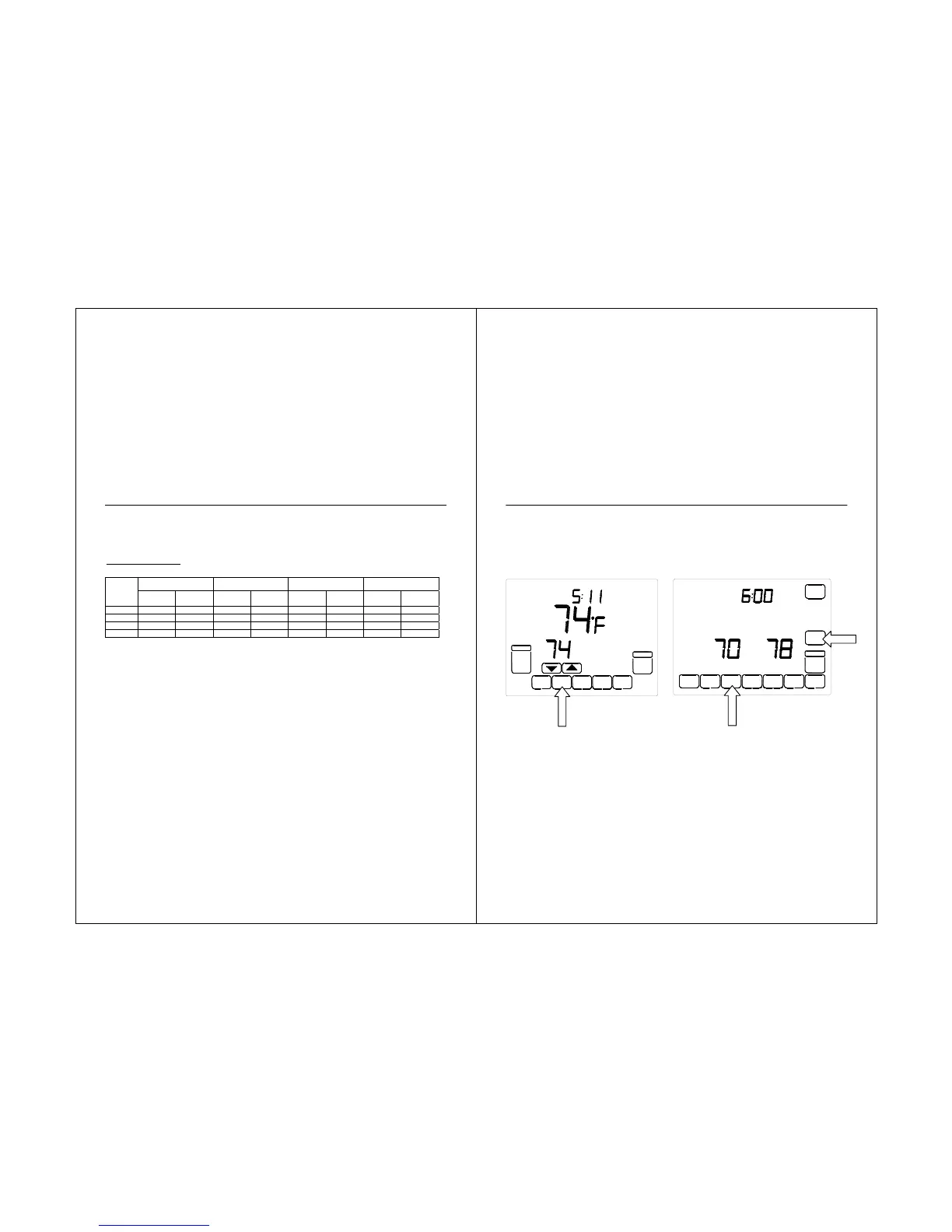
1. Press SCHED key.
2. Press PROG DAY key to review the
programs to see that the settings are
compatible with your lifestyle.
63
3. Press the EDIT then you press PROG DAY
key to select the program days.
STS11 Touchscreen Pro



 To Next Page