rammable Thermostat
80
Minimum
Off-Timer
The Thermostat has built-in compressor
protection (minimum- off timer) that prevents
the compressor from restarting too early after
a shutdown.
The minimum-off timer is activated after the
compressor turns off.
If there is a call or set point change during
the minimum-off timer, the thermostat shows
Wait
in display.
When the minimum-off timer expires,
Cool
On or
H
eat
On
a
appears solidly in the display
and the compressor and fan turn on.
a
Heat
Pump
only
.
Room
Running As SCHED
Set To
SYSTEM
COOL
MORE
SCHED HOLD CLOCK
SCREEN
AUTO
FAN
PM
WED
Wait
STS11 Touchscreen Pro
24VAC Common
Connection)
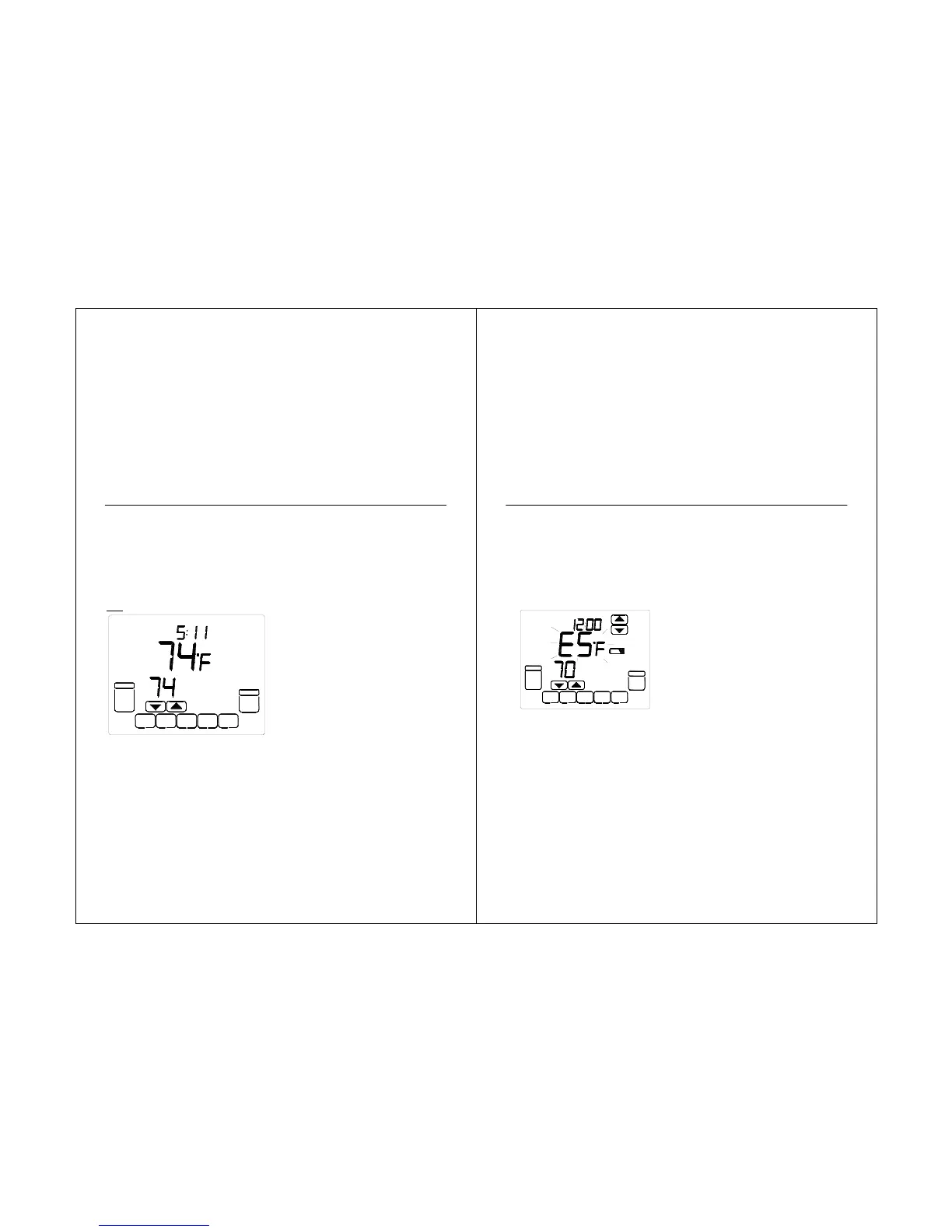
“E5” indication is located in the screen of the
thermostat. It is only visible when lighted.
When the L terminal is wired to an
equipment monitor, this is operational in the
HEAT, OFF, COOL or AUTO positions.
When the “E5” is illuminated call for service.
See Fig. 26.
Fig. 26. L terminal switch to R (power)
side of system transformer.
Operating Sequence
The thermostat energizes specific
terminal(s), depending on the demand for
heating, cooling or fan. The thermostat
screen shows the time, inside temperature,
system and fan selections. Additional
indicators are shown when the heating,
cooling or fan is energized. See Tables 7 - 9
for specification information.
TUE
AM
Set To
SYSTEM
HEAT
MORE
SCHED HOLD CLOCK
SCREEN
AUTO
FAN



 To Next Page