3. Enjoying Your Videos, Photos, and Music Viewing and Playing Your Media
Seagate Wireless Plus User Guide 18
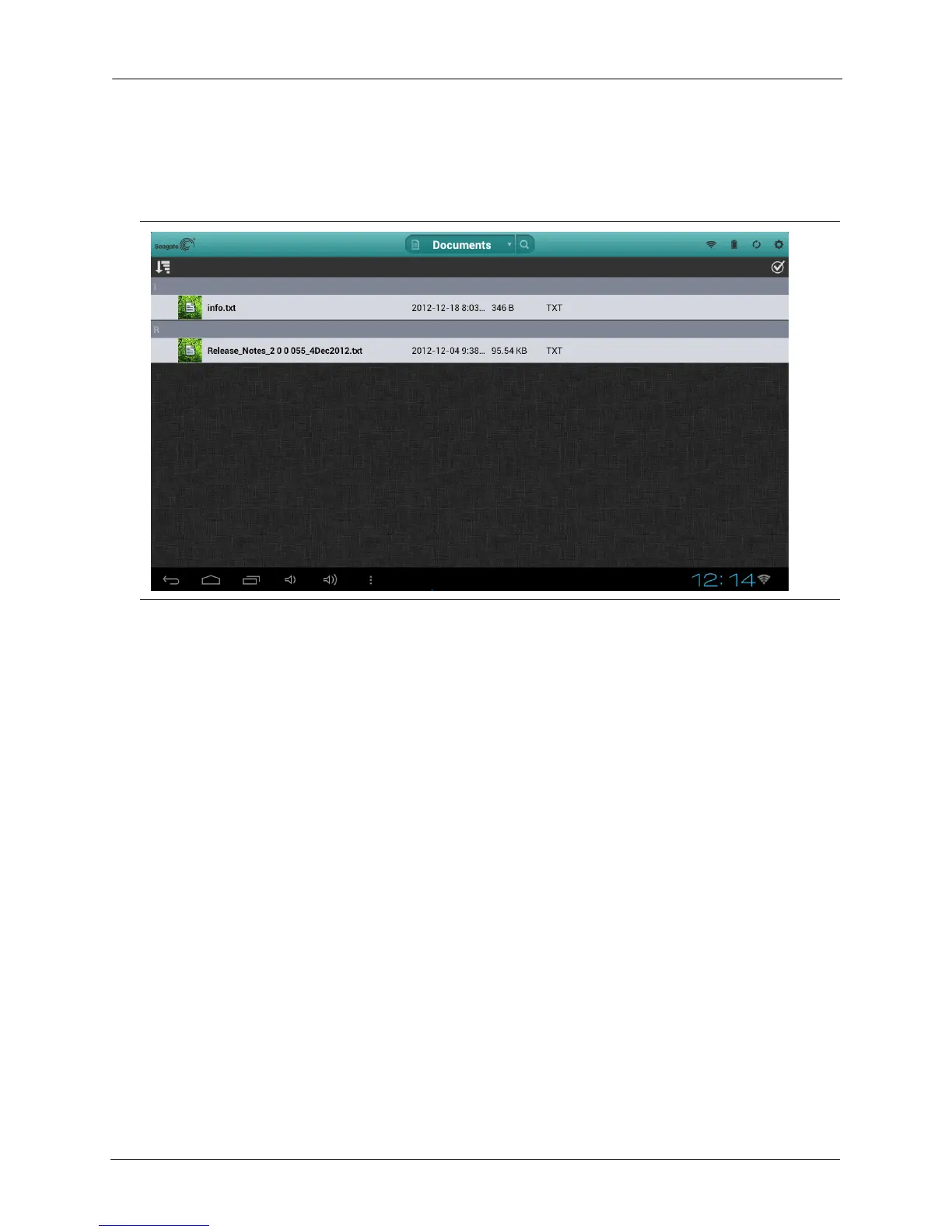
Viewing Documents
1. In the drop-down list at the top of the app, select Documents to display the document files on
the device.
2. Tap (app) or click (browser) the document you want to view.
Not all documents can be viewed on all devices. See your device’s documentation for a list of
supported document types.
Viewing Content in Folders
The Folder View provides another way to view your content stored on your Seagate Wireless
Plus device, showing your files and folders in their original structure from your computer. If
you prefer to access your files from this view, the same playback controls are available to
you.
Figure 10: Documents Screen






 To Next Page