3. Enjoying Your Videos, Photos, and Music Synchronizing Your Files with Seagate Media Sync
Seagate Wireless Plus User Guide 22
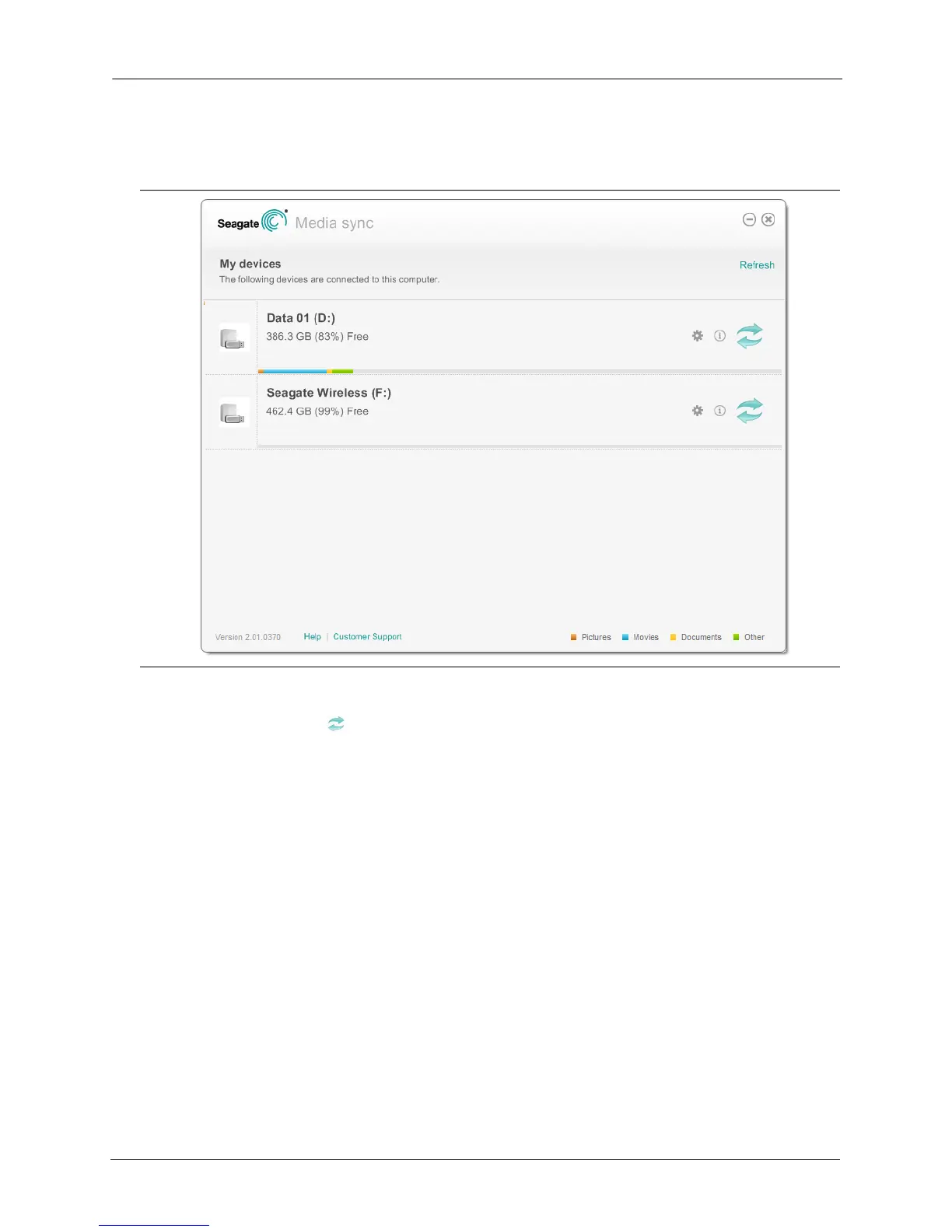
2. Start Seagate Media Sync. Make sure that the Seagate Wireless Plus drive appears in the
My Devices window.
3. Click the Sync Now icon for the Seagate Wireless Plus device.
There are three different methods available to copy your files to the Seagate Wireless Plus
device, described below. Choose the method best suited for your needs.
Figure 13: My Devices Window in Seagate Media Sync






 To Next Page