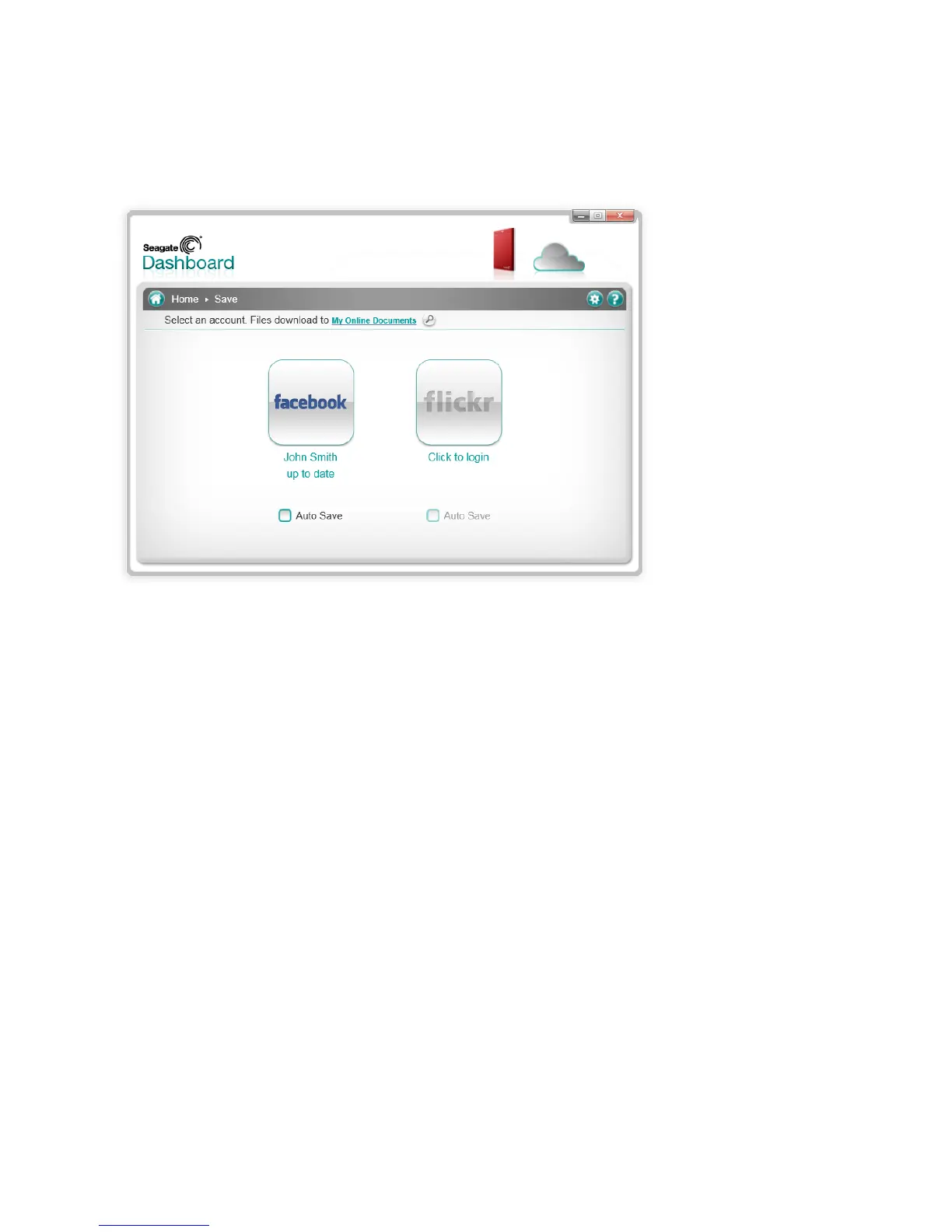
Save
The Save feature allows for the downloading of pictures and videos from your social network. When
downloaded, the files will appear in the My Online Documents folder.
When using the Save feature, you have the option to Auto Save. The Auto Save option will scan your social
networks and automatically download any new items to the My Online Documents folder. By default, the My
Online Documents will be created on the C: drive of your computer, but with a simple click on the My Online
Documents link at the top of window, you can place the folder on the Backup Plus drive.
After all your files have been downloaded, the Backup Plus drive will list all of them in the My Online
Documents, grouped together by the social media service they were downloaded from: Facebook, Flickr, or
YouTube.













 To Next Page