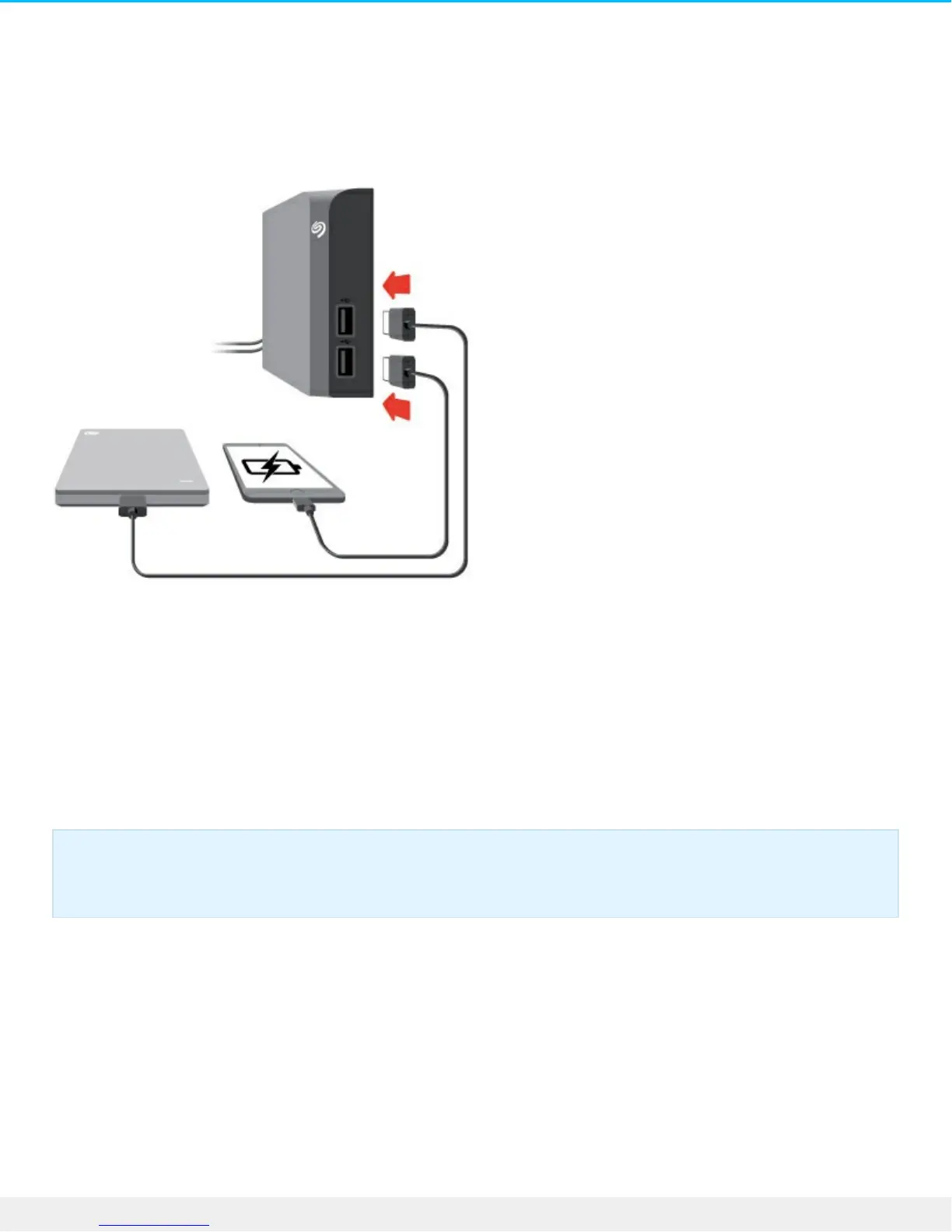
Connect USB devices to Backup Plus Hub
Backup Plus Hub’s additional USB ports allow you to connect more devices to your computer. Simply
connect compatible USB devices to the two USB Type A ports on the Backup Plus Hub. When Backup Plus
Hub is connected to your computer, the devices are also available to the computer.
Backup Plus Hub uses a 3A power supply and each USB Type A port outputs up to 1.5 Amps / 5 volts. You
can connect compatible devices that support charging via USB to the USB ports. Backup Plus Hub must
receive power via its power cable to deliver power to compatible devices.
Important info: Seagate is not responsible for devices that experience harm, damaage or
malfunction when connected to Backup Plus Hub.













 To Next Page