Barracuda Green SATA Product Manual, Rev. A 29
www.seagate.com
Serial ATA Interface
4.3.1 Identify Device command
The Identify Device command (command code EC
H
) transfers information about the drive to the host following
power up. The data is organized as a single 512-byte block of data, whose contents are shown in on page 26. All
reserved bits or words should be set to zero. Parameters listed with an “x” are drive-specific or vary with the state
of the drive.
The following commands contain drive-specific features that may not be included in the Serial ATA specification.
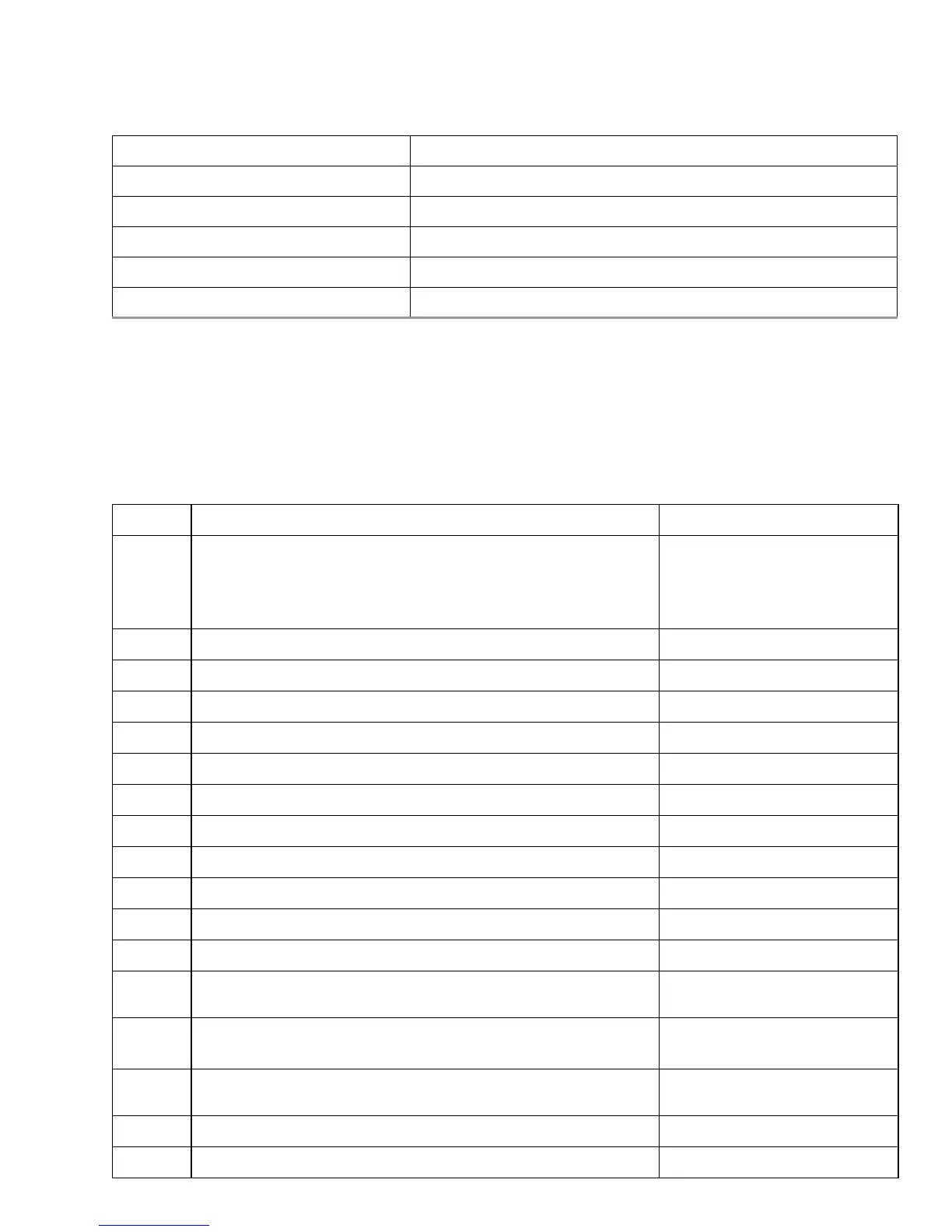
Write Multiple FUA Extended CE
H
Write Sectors 30
H
Write Sectors Without Retries 31
H
Write Sectors Extended 34
H
Write Uncorrectable 45
H
Table 7 Identify Device commands
Word Description Value
0 Configuration information:
• Bit 15: 0 = ATA; 1 = ATAPI
• Bit 7: removable media
• Bit 6: removable controller
• Bit 0: reserved
0C5A
H
1 Number of logical cylinders 16,383
2 ATA-reserved 0000
H
3 Number of logical heads 16
4 Retired 0000
H
5 Retired 0000
H
6 Number of logical sectors per logical track: 63 003F
H
7–9 Retired 0000
H
10–19 Serial number: (20 ASCII characters, 0000
H
= none) ASCII
20 Retired 0000
H
21 Retired 0400
H
22 Obsolete 0000
H
23–26 Firmware revision
(8 ASCII character string, padded with blanks to end of string)
x.xx
27–46 Drive model number:
(40 ASCII characters, padded with blanks to end of string)
ST2000DL003
ST1500DL003
47 (Bits 7–0) Maximum sectors per interrupt on Read multiple and
Write multiple (16)
8010
H
48 Reserved 0000
H
49 Standard Standby timer, IORDY supported and may be disabled 2F00
H
Table 6 Supported ATA commands (Continued)
Command name Command code (in hex)










 To Next Page