
 Need help?
Do you have a question about the Seagate One Touch SRD0VN3 and is the answer not in the manual?
Details necessary ports, operating system, and disk space for the device.
Instructions on physically connecting the One Touch HDD to a computer using the USB cable.
Guide to initial device setup, including starting the process, registration, and toolkit installation.
Steps for creating customized backup plans for Windows users.
Guidance on selecting file system formats, considering compatibility and performance.
Steps for safely ejecting the drive using the Windows Safely Remove tool.
Methods for safely ejecting the drive on macOS via Finder or Desktop.
 General
| Interface | USB 3.0 |
|---|---|
| Compatibility | Windows, macOS |
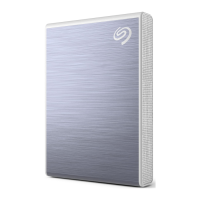
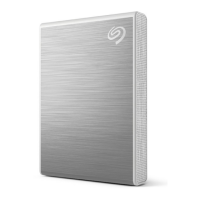
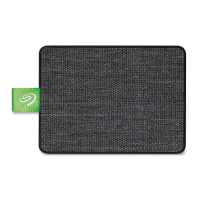
| Color | Black |
| Capacity | 2 TB |
| Form Factor | Portable |
| Included Software | Seagate Toolkit |









 To Next Page