
 Need help?
Do you have a question about the Seagate One Touch with Password and is the answer not in the manual?
Instructions for connecting the Seagate One Touch drive to a computer via USB.
Overview of the initial setup and configuration steps for the drive.
Enables password protection for the Seagate One Touch drive using Toolkit.
Guides users on creating custom backup plans for Windows systems.
Instructions for creating synchronized folders between PC/Mac and the storage device.
Steps for safely ejecting the Seagate drive from a Windows computer.
 General
| Interface | USB 3.0 |
|---|---|
| Password Protection | Yes |
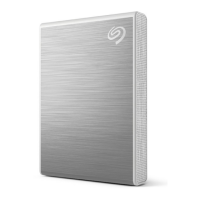
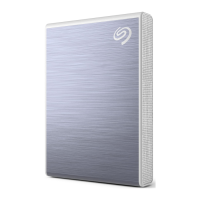
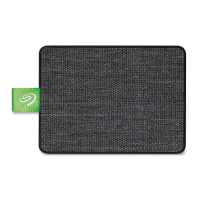
| Color | Black, Silver, Blue, Red |
| Capacity | 1TB, 2TB, 5TB |
| Compatibility | Windows, macOS |
| Software Included | Seagate Toolkit |
| Weight | 148g (for 1TB and 2TB); 268g (for 4TB and 5TB) |
| Encryption | AES-256 hardware encryption |










 To Next Page