
 Need help?
Do you have a question about the Seagate One Touch and is the answer not in the manual?
Lists the items included in the product packaging.
Details the hardware and software prerequisites for the device.
Specifies the types of ports required for connection.
Informs about the supported operating systems.
States the recommended free disk space for installation.
Guides on connecting and setting up the device on computers.
Instructions for connecting and using the device with Android.
Steps for safely ejecting the drive on Windows.
Procedures for safely ejecting the drive on macOS.
Method to eject using the Finder application.
Method to eject by dragging the icon to the Trash.
Procedures for safely disconnecting the drive from Android devices.
Common questions applicable to all users.
Troubleshooting slow file transfer speeds.
Addressing compatibility with USB 2.0 ports.
Guidance on using USB hubs with the device.
Solutions for issues with short USB cables.
Troubleshooting file transfer errors.
Steps to resolve missing device icon in Windows.
Troubleshooting missing desktop icon on Mac.
Resolving issues with the drive on Android devices.
Information on China RoHS compliance for the product.
Details on Taiwan RoHS compliance.
 General
| Interface | USB 3.0 |
|---|---|
| Compatibility | Windows, macOS |
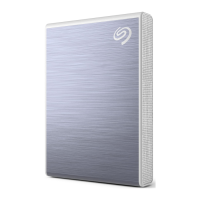
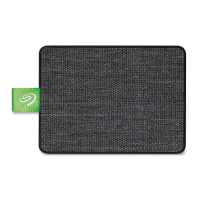
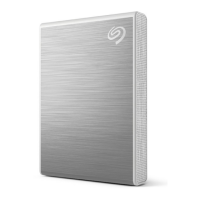
| Color | Black, Silver, Blue, Red |
| Software | Seagate Toolkit |
| Special Features | Password protection |
| Capacity | 1TB, 2TB, 4TB, 5TB |










 To Next Page