Step 2 - Connect your Android mobile device
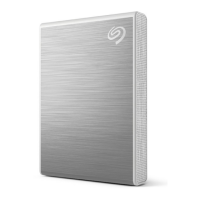
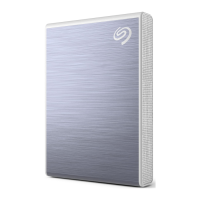
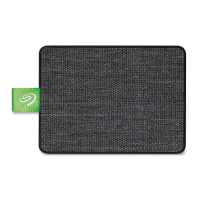
Use the USB-C cable to connect One Touch SSD to your mobile device.
Step 3 - Open Seagate SSD Touch
Once you've downloaded SSD Touch and connected Seagate One Touch SSD to your Android mobile
device, open the app and follow the onscreen instructions to register the drive and begin backing up files.
Learn more about Seagate SSD Touch
For details on SSD Touch features, see the Seagate SSD Touch user manual.
If you cannot access Google Play Store from your region, visit Seagate Support.











 To Next Page