Welcome
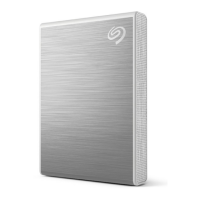
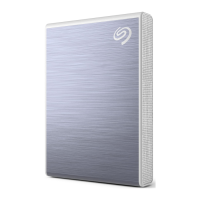
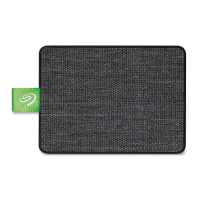
Accelerate your performance with One Touch SSD. Lightweight and travel-sized, take your files with you
wherever you go.
For common questions and answers about your device, see Frequently Asked Questions or visit Seagate
customer support.
Box content
Seagate One Touch SSD
USB-C cable
USB-C to USB-A cable
Quick start guide
Minimum system requirements
Ports
Connect your One Touch SSD to a computer with a USB-C or USB-A (USB 3.0) port.
Operang system
Go to Operating System Requirements for Seagate Hardware & Software.
Minimum free disk space
600MB recommended.











 To Next Page