It has been type tested and found to comply with the
limits
for
a Class
B computing device peripheral in accordance with the specifications
in Subpart
J of Part
15
of
FCC
rules, which are designed to provide
reasonable protection agai nst such interference in a residential instal-
lation.
However, there is no guarantee that interference
will
not occur
in a
particular
installation. If this equipment does cause interference
to radio
or
television, which can be determined by turning the equip-
ment on and off, you are encouraged to try one
or
more of the following
corrective measures:
• Reorient the receiving antenna.
• Move the device
to
one side
or
the other of the radio
or
TV.
•
Move
the device farther away from the radio
or
TV.
• Plug the computer into a different outlet so that the receiver and
computer are on different branch outlets.
If necessary you should consult your
dealer
or
an
experienced
radiol
television technician
for
additional suggestions. You
may
find helpful
the following booklet prepared by the Federal Comunications Com-
mission:
How to Identify and Resolve Radio-Television Interference
Problems.
This booklet is available from the Superintendent of Docu-
ments,
U.S. Government Printing Office, Washington,
DC
20402. Refer
to
publication
number
004-000-00345-4.
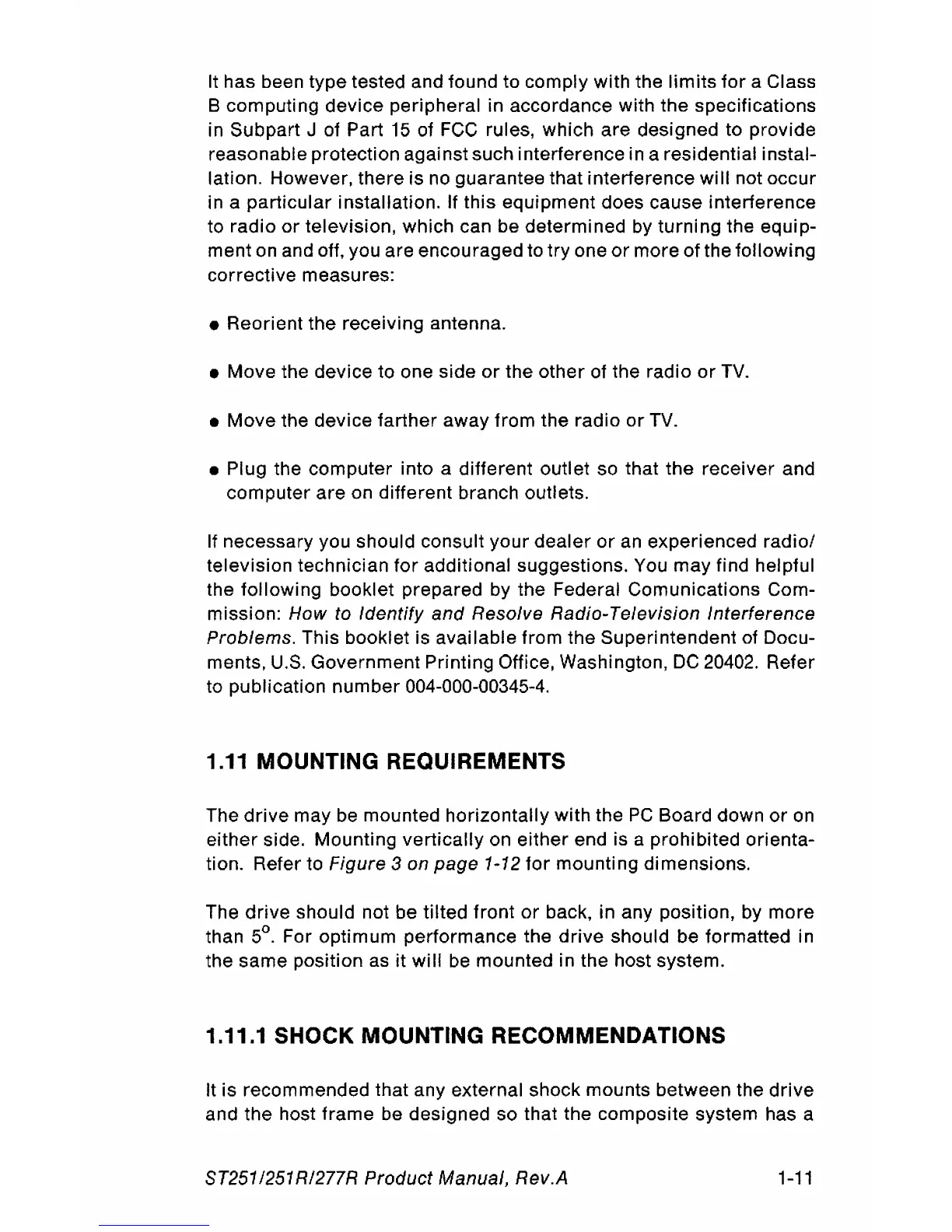
1.11 MOUNTING REQUIREMENTS
The
drive
may
be
mounted horizontally with the
PC
Board down
or
on
either side. Mounting vertically on either end is a prohibited orienta-
tion. Refer to
Figure 3 on
page
1-12
for
mounting dimensions.
The
drive
should not be tilted front
or
back, in any position, by more
than
5°. For optimum performance the
drive
should be formatted in
the same position as it
will
be
mounted in the host system.
1.11.1 SHOCK MOUNTING RECOMMENDATIONS
It is recommended that any external shock mounts between the
drive
and the host frame be designed so that the composite system has a
ST251
1251
RI277R Product Manual, Rev.A
1-11




 To Next Page