Manual
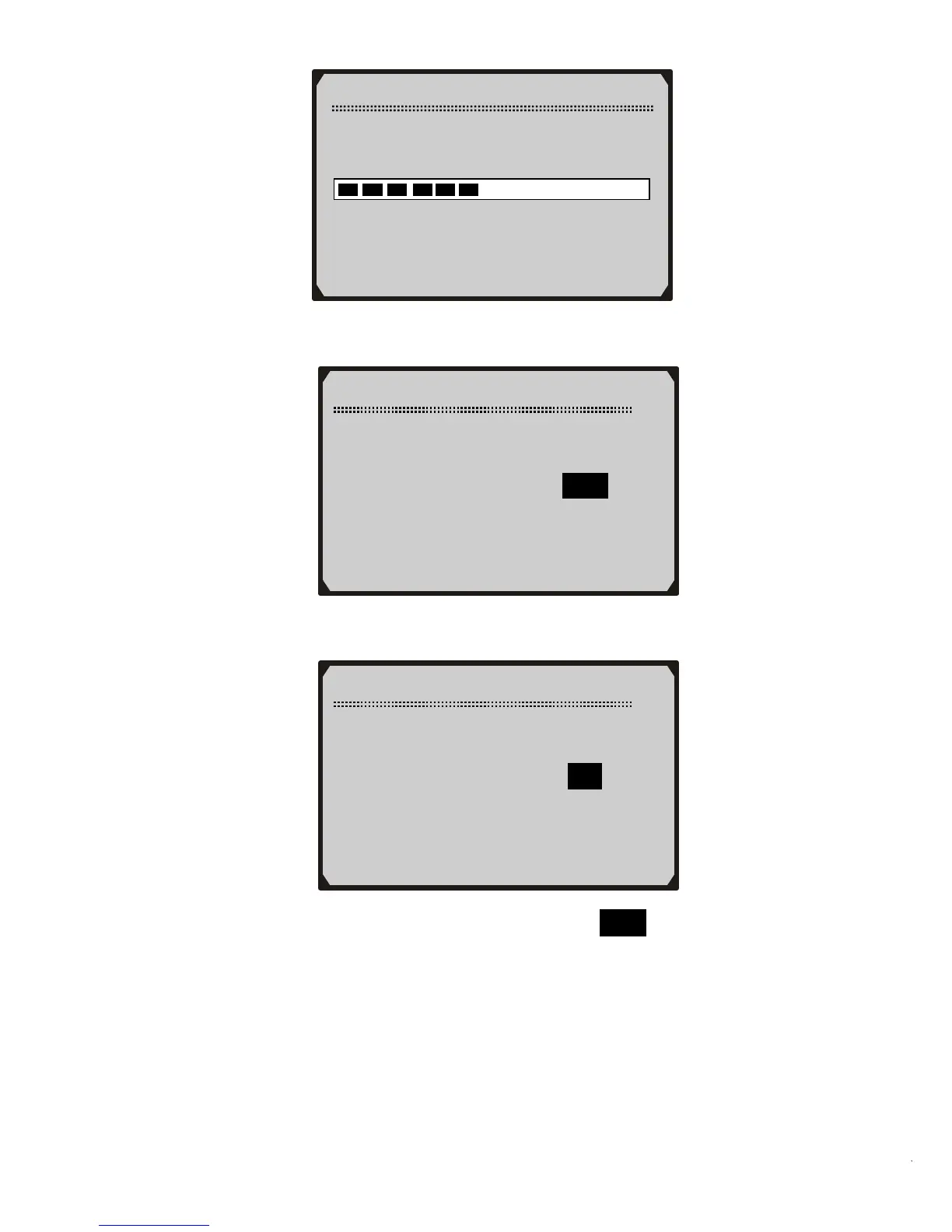
Reading Channel Data…
-Please Wait-
4) Use UP/DOWN scroll button to change set value.
5) Use N button to move to next setup screen.
Min Mil. to Service
1/3
Channel No 42 (Mil)
Current Value 9000
Set Value 9000
[N] = Next, [Y] = Save/Exit
[
︽]/[︾] = Change Setup
Mil. Since Service
2/3
Channel No 40 (Mil)
Current Value 700
Set Value 700
[N] = Next, [Y] = Save/Exit
[
︽]/[︾] = Change Setup
6) Use UP/DOWN scroll button to select Save and press Y button
to save your settings.



 To Next Page