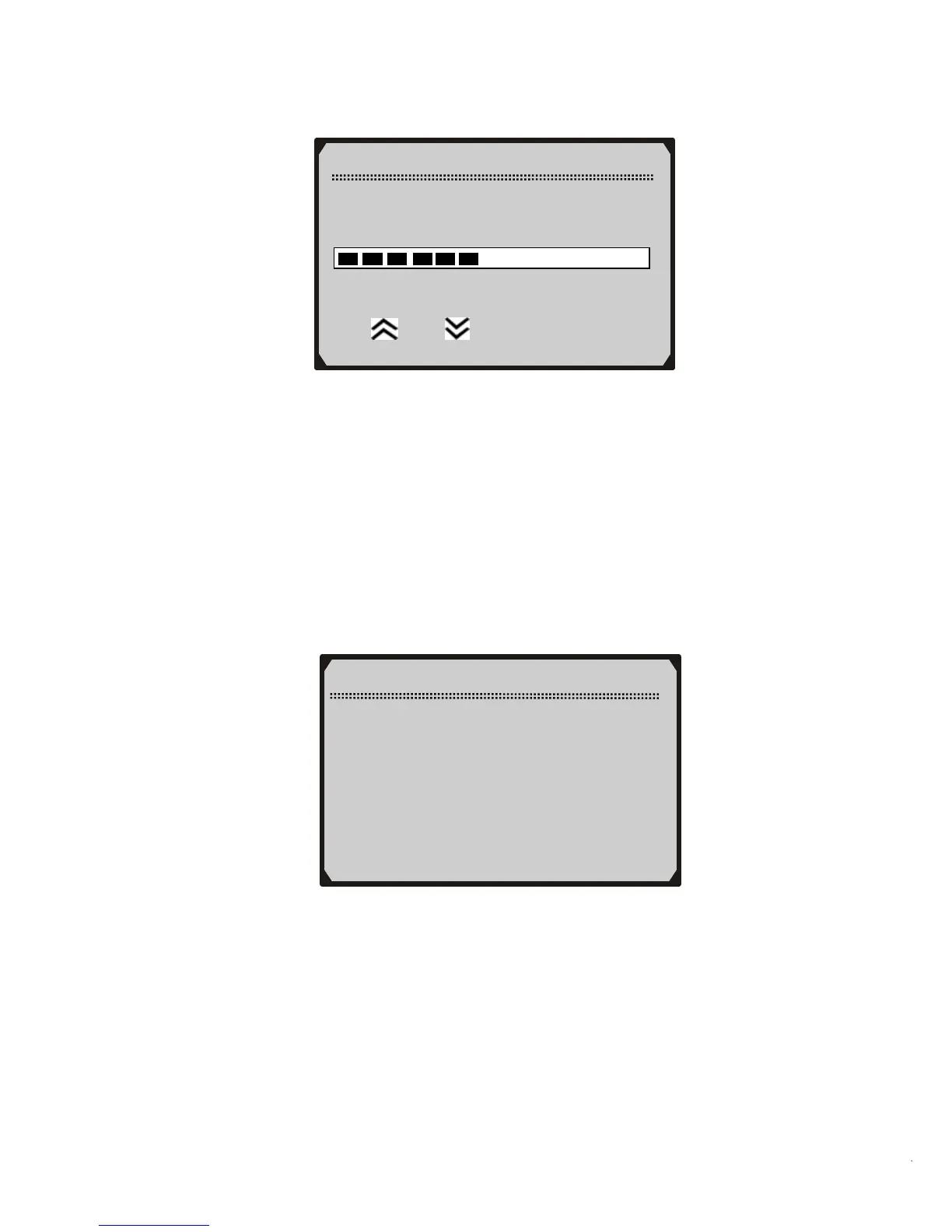
From the Contrast menu, use the UP/DOWN scroll buttons to increase or
decrease the contrast.
2) Press the Y button to save your selection and return to previous
menu.
3) Press the N button to return to previous menus.
Display Test
The Display Test is used to check the LCD display.
1) From the System Setup menu, use the UP/DOWN scroll buttons
to select
Display Test and press the Y button.
Contrast
Contrast (45%)
Use
or to change
System Setup
1) Contras



 To Next Page