EasyManua.ls Logo

Sealife DC1000 - User Manual

Sealife DC1000
82 pages
Print Icon
To Next Page IconTo Next Page
Loading...
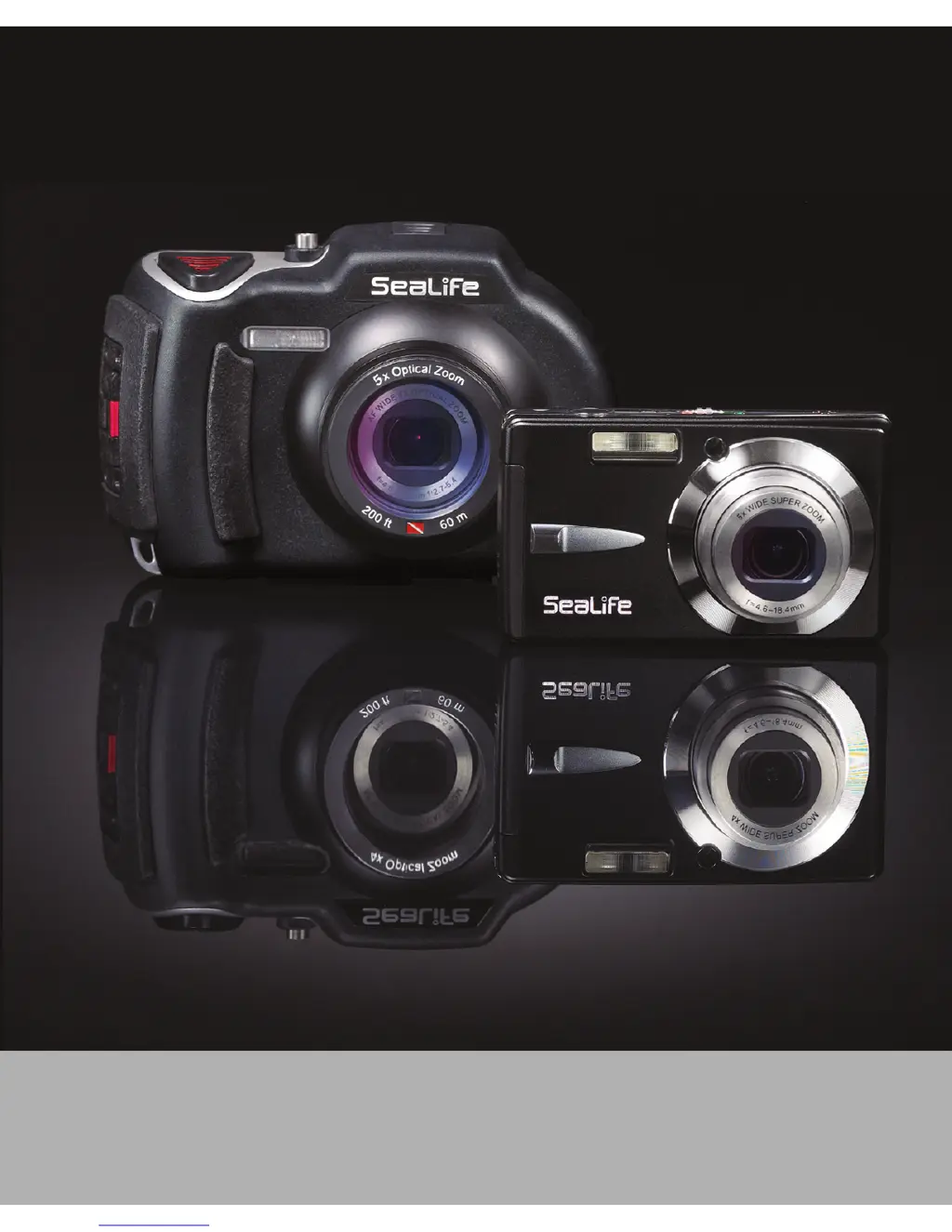
SeaLife DC1000 Underwater Camera
Go to www.sealife-cameras.com/service/manuals.html for
ENGLISH, FRANÇAIS, DEUTSCH, ITALIANO, ESPAÑOL and
NEDERLANDS versions

Table of Contents

Other manuals for Sealife DC1000

Questions and Answers

  • B
    Briana AndersonAug 12, 2025
    Why Sealife Digital Camera power does not come on?
    • S
      Sandra HendersonAug 13, 2025
      If your Sealife Digital Camera's power doesn't come on, it's likely due to a battery issue. Ensure the battery is inserted correctly. If it is, the battery might be exhausted, so try recharging it.
  • M
    Michael MartinezAug 16, 2025
    Why Sealife DC1000 Digital Camera battery runs out quickly?
    • M
      martin38Aug 16, 2025
      If your Sealife Digital Camera's battery is running out quickly, it could be that it's not fully charged or hasn't been used for a while after charging. To maximize performance and lifespan, fully charge the battery and then discharge it completely for at least one cycle before using it.
  • T
    Trevor PhamAug 20, 2025
    What to do if Sealife Digital Camera won't take picture?
    • H
      Heidi LawsonAug 20, 2025
      If your Sealife Digital Camera isn't taking pictures even when you press the shutter button, it could be due to several reasons. First, make sure you press the shutter button all the way down. If that doesn't work, check if your memory card is full; if so, insert a new card or delete unwanted files. Also, the flash might be charging, so wait until the status LED turns green. Finally, ensure that the memory card isn't write-protected; if it is, remove the write-protection.
  • M
    mccoythomasAug 25, 2025
    Why Sealife Digital Camera does not focus?
    • A
      ashley58Aug 25, 2025
      If your Sealife Digital Camera isn't focusing even when set to auto focus, it could be due to a dirty lens. Try wiping it clean with a soft, dry cloth or lens paper. Alternatively, the subject might be too close; ensure it's within the effective focus range.
  • D
    Diana PorterAug 27, 2025
    What to do if Sealife DC1000 buttons are not working?
    • L
      Lisa RogersAug 27, 2025
      If your Sealife Digital Camera buttons don't seem to be working, it might be because the battery is running low. Try recharging the battery.
  • J
    Joseph RowlandAug 31, 2025
    How to fix Sealife Digital Camera images not appearing on LCD monitor?
    • A
      Amanda DrakeAug 31, 2025
      If images don't appear on the LCD monitor of your Sealife Digital Camera, the LCD monitor might be too dark. Try adjusting the brightness of the LCD monitor in the menu.
  • A
    Adrienne RamosSep 4, 2025
    Why Sealife DC1000 Digital Camera files cannot be deleted?
    • R
      Robert WrightSep 4, 2025
      If you can't delete files on your Sealife Digital Camera, it might be because the file is protected. Try canceling the protection. Also, the memory card might be write-protected, so remove the write-protection.
  • S
    Sarah HodgesSep 8, 2025
    Why Sealife DC1000 Digital Camera contents on memory card cannot be played back?
    • J
      Jerry KingSep 8, 2025
      If the contents on the memory card cannot be played back on your Sealife Digital Camera, it's likely because the memory card wasn't formatted by this camera. Insert a memory card that was formatted on this camera.

Sealife DC1000 Specifications

General IconGeneral
Sensor TypeCCD
Shutter Speed15 - 1/1000 sec (up to 4 sec in night scene mode)
Waterproof Depth200 ft (60m)
Video Resolution640 x 480 (30 fps), 320 x 240 (30 fps)
Storage MediaSD/SDHC card (up to 32GB)
Image SensorCCD
Effective Pixels10.0 megapixels
Sensor Size1/2.3"
ISO Range100, 200, 400, 800, 1600
ISO SensitivityAuto, 100, 200, 400, 800, 1600
DisplayLCD
Battery TypeLithium-ion rechargeable

Related product manuals