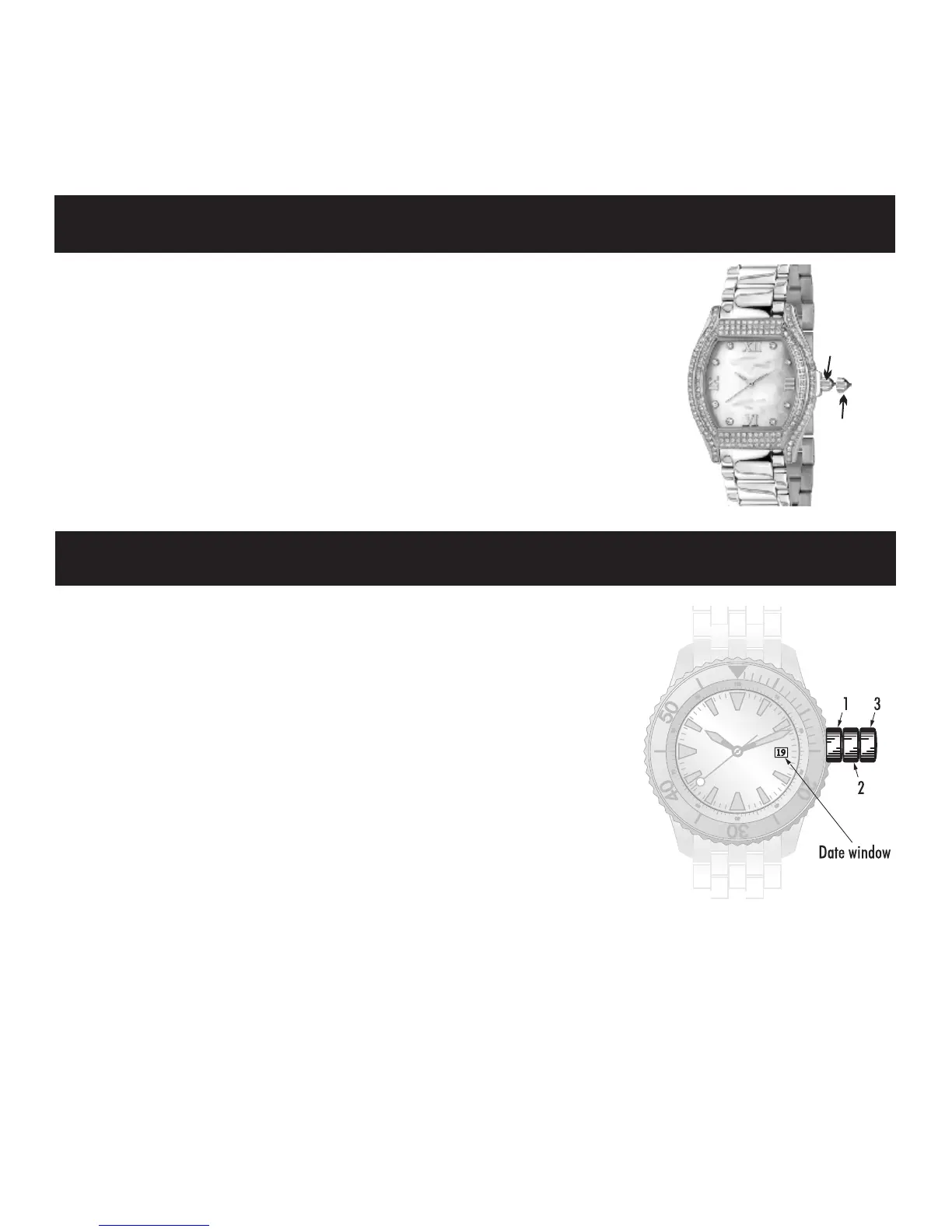
1. Gently pull crown to position 3.
2. Rotate crown in either direction to the desired time.
3. Push crown back to position 1.
To set the time :
1. Gently pull crown to position 2.
2.
Rotate crown in either direction to the desired time.
3.
Push crown back to position 1.
To set the time :
Note:
Never set the date between 9:30 PM and 3:00 AM.
To set the date:
1. Gently pull crown to position 2.
2. Rotate crown clockwise until the desired date appears in the date window.
3. Push crown back to position 1.
Calendar Model
Standard Model
1
2
3



 To Next Page