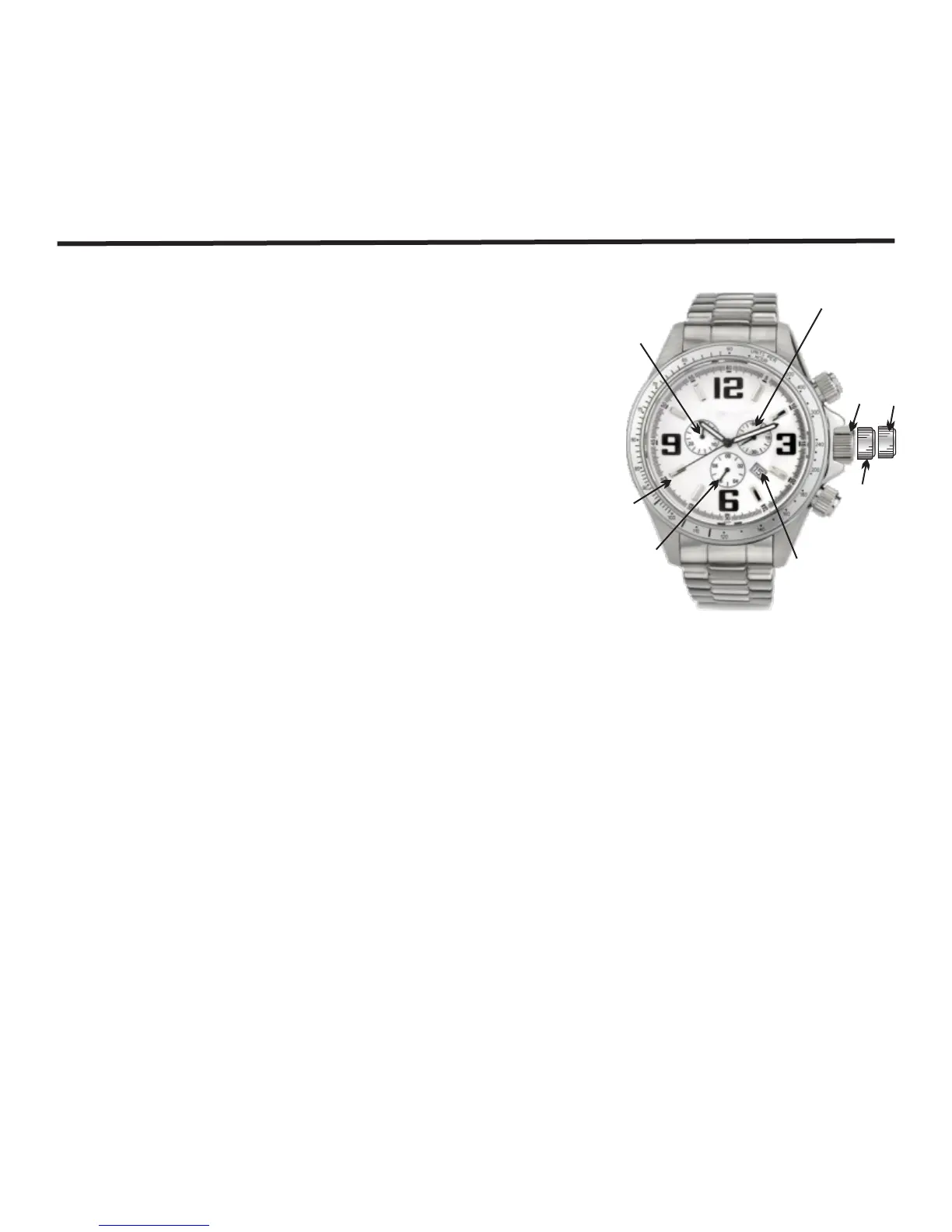
Chronograph Model C (Cal 5040 D)
1. Gently pull crown to position 3.
2. Rotate crown in either direction to the desired time.
3. Push crown back to position 1.
To set the time :
To set the date:
1. Gently pull crown to position 2.
2. Rotate clockwise until the desired date appears in the
date window.
3. Push crown back to position 1.
Using the Chronograph:
Please refer to chronograph functions on page 15.
Chronograph Model C (Cal 5040 D)
Note:
Between the date changing phase of 9:00 PM and 12:00 AM the date must be set to the date of
the following day.
Second hand
30 minute
timer
1/5
second timer
1/10
second timer
A
B
Date
window
1 3
2
16



 To Next Page