3. AUTOMATIC PARAGRAPH!INDENTATION
I
INDENT
EX,
* 50_v 456v]
LP I FIDE_IT
Automatic F_rogmphIndentation
L.eft Margin/ Right_rgin
!
-..y • -s r,._.,,..I T....-- t,,..r|,., .,.,
• =_-.*.,._., _.1q.i, c,y,t,l b,,_,._ €_u)
b._.t.-._,._. _6-tt,*,*cL., _,.t.,._..t t..,._t,
• rl,,t. ,.|•c_.., i_. Jl ..J ,_ =t..,.=t,,, _.1 i,,*
• P_ll ,l.,u,._t t,,,a,l.,(is ,,,,if..,,,.,it,,l,)
INDENT
1)
2)
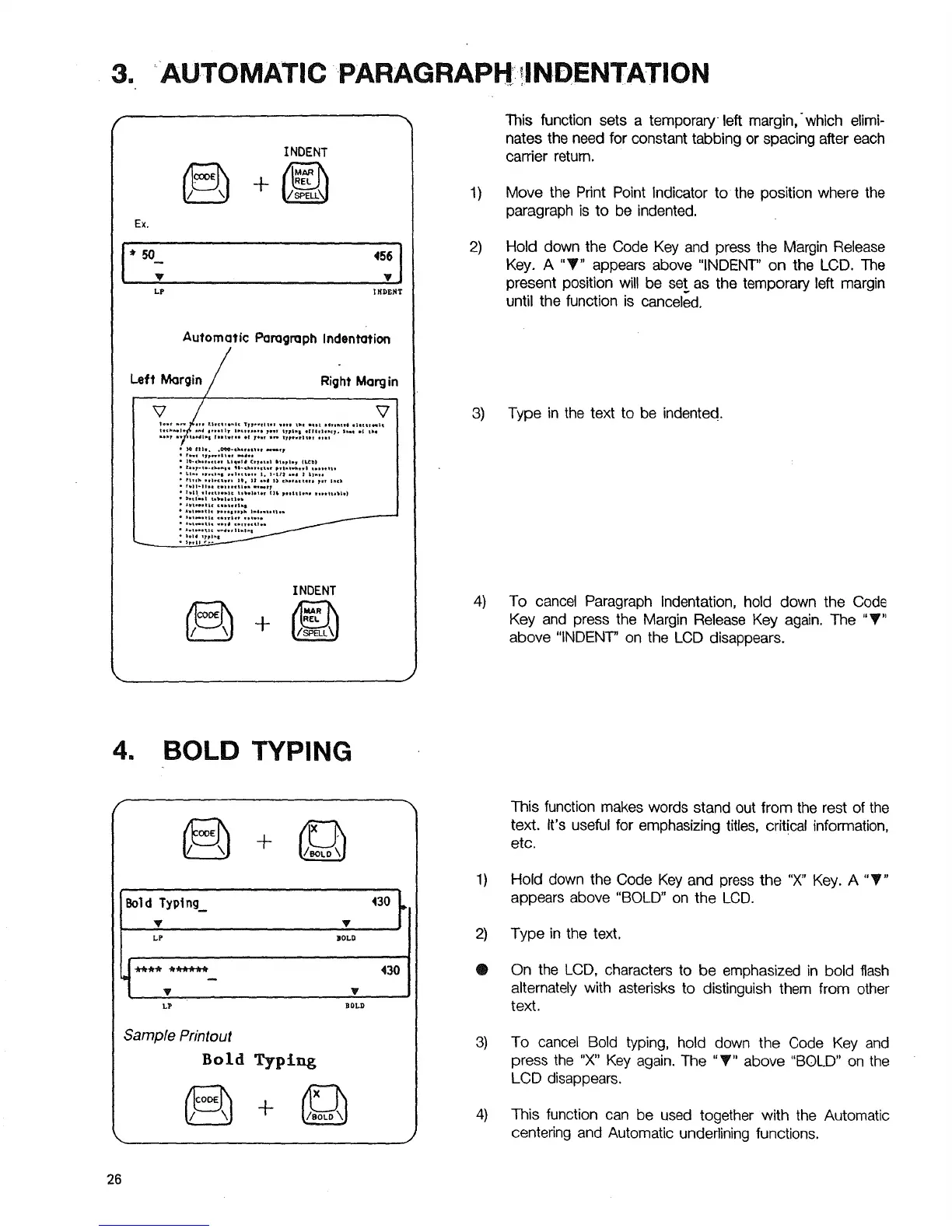
This function sets a temporary left margin, ' which elimi-
nates the need for constant tabbing or spacing after each
carder return.
Move the Print Point Indicator to the position where the
paragraph is to be indented.
Hold down the Code Key and press the Margin Release
Key. A "_" appears above "INDENT' on the LCD. The
present position will be set as the temporary left margin
until the function is canceled.
3) Type in the text to be indented.
4) To cancel Paragraph Indentation, hold down the Code
Key and press the Margin Release Key again. The "_"
above "INDENT" on the LCD disappears.
4. BOLD TYPING
. '3°t
LP BOLD
Sample Printout
Bold Typing
÷
1)
®
3)
4)
This function makes words stand out from the rest of the
text. It's useful for emphasizing titles, critical information,
etc.
Hold down the Code Key and press the "X" Key. A "_"
appears above "BOLD" on the LCD.
Type in the text.
On the LCD, characters to be emphasized in bold flash
alternately with asterisks to distinguish them from other
text.
To cancel Bold typing, hold down the Code Key and
press the "X" Key again. The "T" above "BOLD" on the
LCD disappears.
This function can be used together with the Automatic
centering and Automatic underlining functions.
26



 To Next Page