Operation
Instructions for use
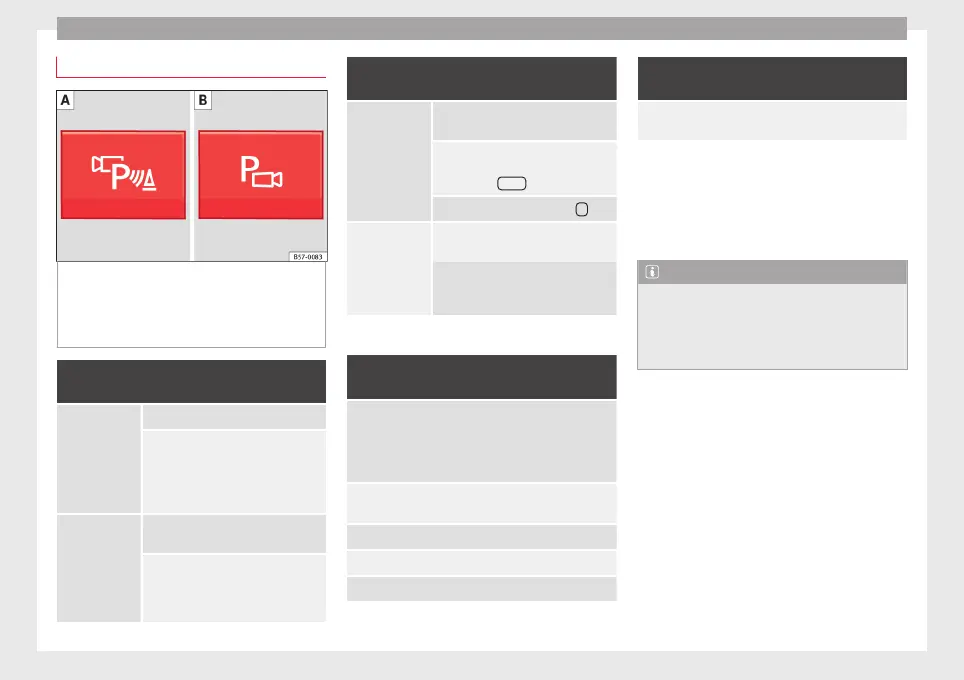
Fig. 231 Centre console: button for activat-
in
g/de
activ
ating the Area View system man-
ually in combination with the parking aid sys-
tem () or else with the rear ParkPilot system
().
Connecting and disconnecting the Area View
system
Manual con-
nection of the
display:
Press the
button ››› Fig. 231 once.
The infotainment system screen dis-
plays the aerial view ››› Fig. 230. If
you press the
button when driving
above 15 km/h (9 mph), the image
will not be displayed.
Automatic con-
nection of the
display:
Engage reverse gear.
OR: The vehicle moves backwards.
The view of the image of the vehicle's
rear camera is shown in parallel park-
ing mode with the reduced aerial
view.
Connecting and disconnecting the Area View
system
Manual discon-
nection of the
display:
Press the
button ››› Fig. 231
again.
OR: press a button on the factory-
equipped infotainment system, for
example the
RADIO
button.
OR: press the function button
.
Automatic dis-
connection of
the display:
Drive forward at more than approx.
15 km/h (9 mph).
OR: switch the ignition off. The Area
View system menu disappears imme-
diately.
Special characteristics
Examples of optical illusions caused by the
cameras:
The images on the area view system cameras are only
two-dimensional. Due to a lack of spatial depth, it is dif-
ficult or impossible to make out on-screen any holes
there may be on the ground, objects jutting out from the
ground or parts protruding from other vehicles.
Situations in which the objects or other vehicles appear
to be further away or closer than they really are:
– On moving from a horizontal plane to a slope.
– On moving from a slope to a horizontal plane.
– If the vehicle is heavily loaded at the rear.
Examples of optical illusions caused by the
cameras:
– If the vehicle approaches protruding objects. These
objects may be outside the cameras' angle of visibility.
Trailer mode
The Area
View system conceals, in the rear
camera area, all the auxiliary guiding lines
when the factory-fitted towing bracket is con-
nected electrically to a trailer ››› page 273.
Note
In order to become familiar with the system
and its f
unctions, SEAT recommends that you
practice handling the Area View system in an
area where there is not too much traffic or in
a car park.
268



 To Next Page