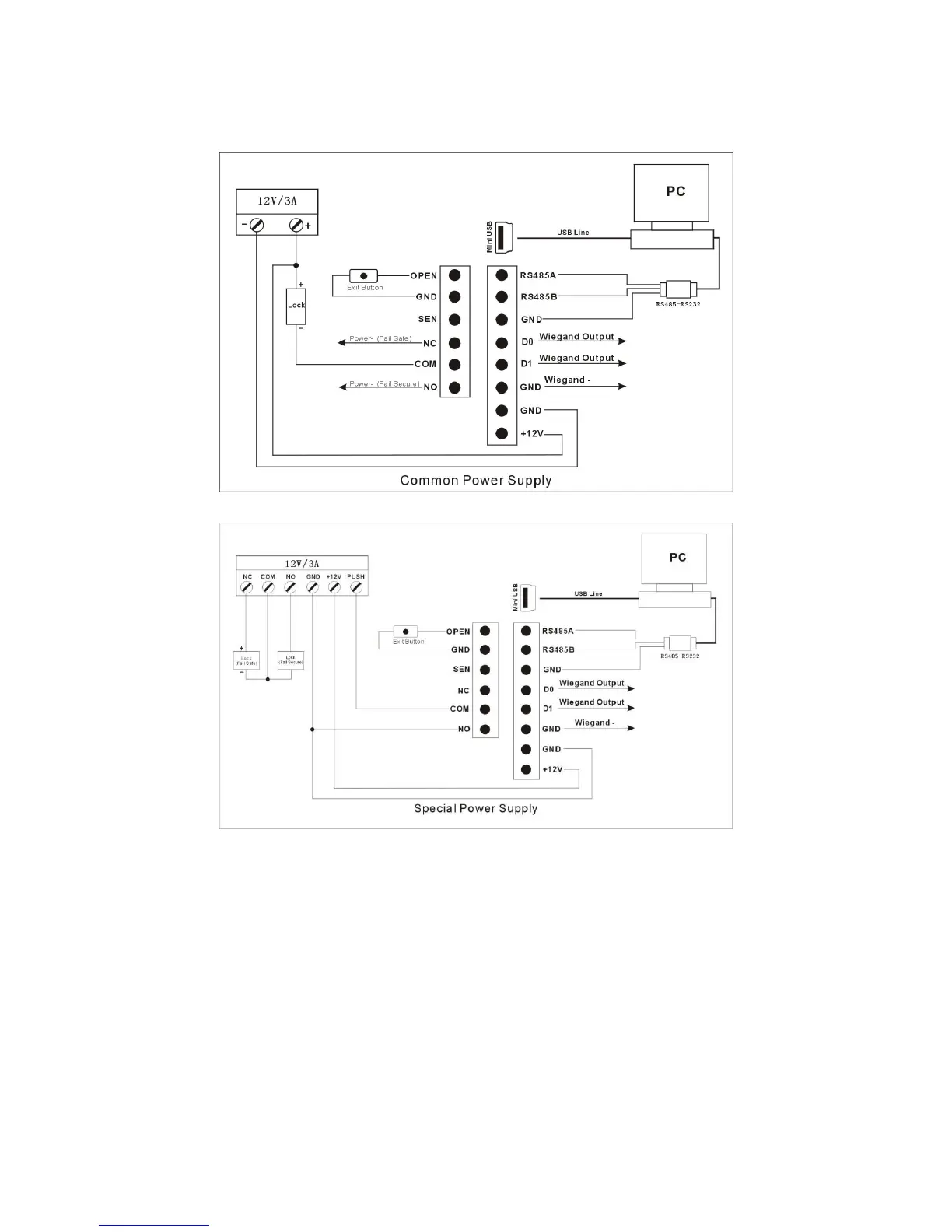
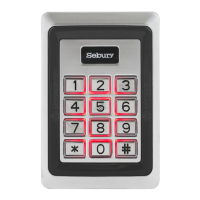
Connection Diagram
7. Operation Introduction
Connect device to PC (by USB or RS485), then to run software ARControl.exe
(1). click “All Employee Info Management” to input employee information (ID, Name, Picture).
(2). click “Device Management” to set device parameters, and add the device to system.
(3). click “Fingerprint/card Enrollment” to enroll employee fingerprint and card to device.
8. Detailed user guide introduction
8.1.1 Software setting



 To Next Page