14
Fitting the column
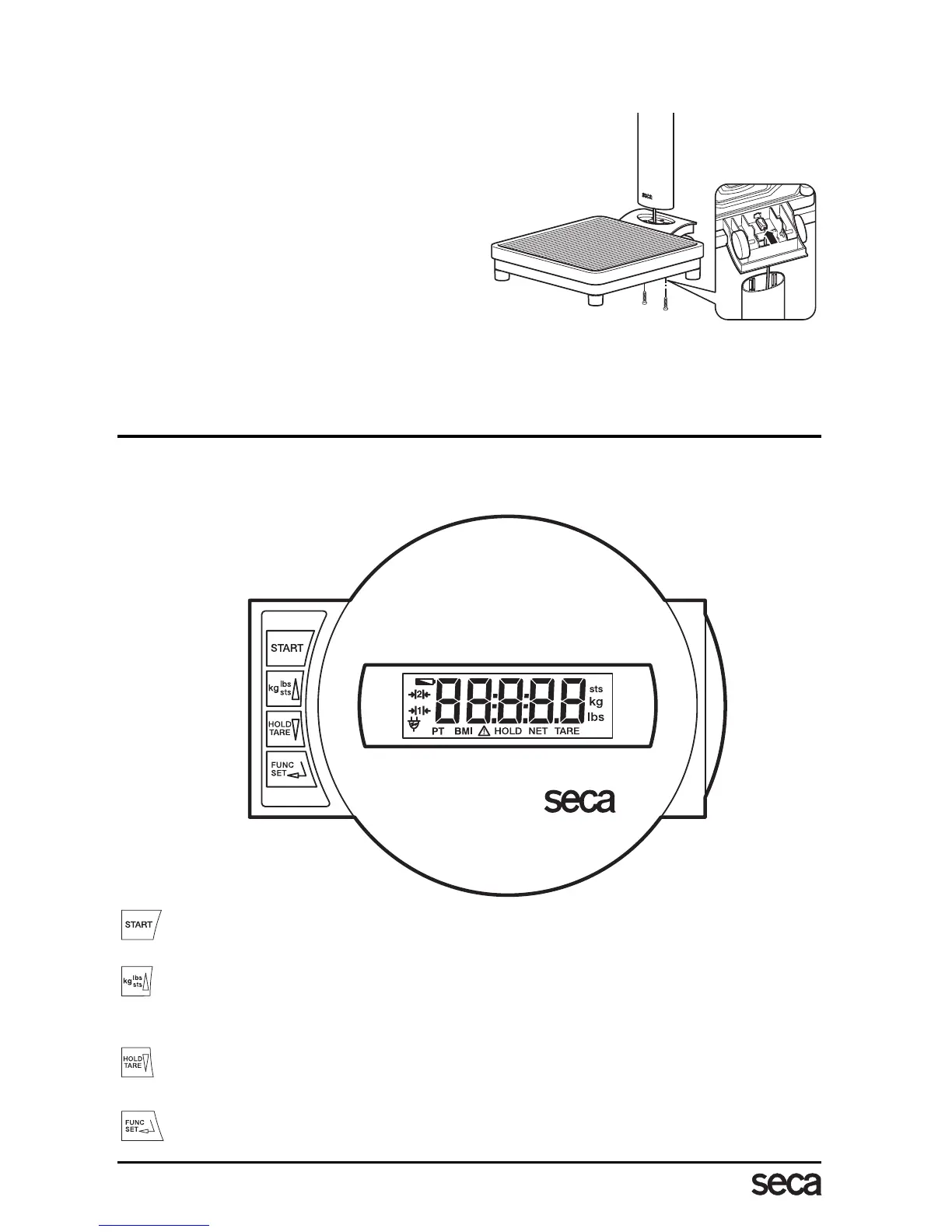
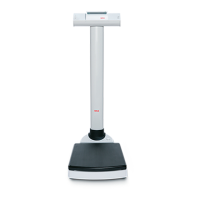
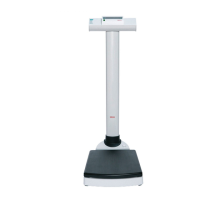
The column and display head are fitted to the weighing platform.
– Guide the connecting cable through the
opening.
– Place the column in the recess. The
display should be legible for people
standing on the scale.
– Screw the column to the weighing plat-
form from underneath.
– If necessary, lay the scale carefully on
its side to tighten up the screws.
–Connect the plug of the connecting
cable to the rear of the scale.
– Then place the scale upright again.
4. Operation
Controls and displays
The controls and the display are on the display head on the column.
Switch scale on and off
press briefly switch between kg and lbs
hold down switch between lbs and sts
in function menu increase value
press briefly activate/deactivate hold function
hold down set display to zero, activate/deactivate tare function
in function menu decrease value
Activation of BMI function and Enter key for input data



 To Next Page