Model 799 19
GB
5. Operation
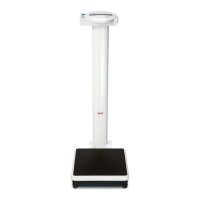
Controls and displays
The controls and the display are on the display head on the column.
Switch scale on and off
press briefly s switch between weighing range 1 and 2
in function menu s increase value
press briefly s activate/deactivate hold function
hold down s set display to zero, activate/deactivate tare function
in function menu s decrease value
Activation of BMI function and Enter key for input data



 To Next Page