17
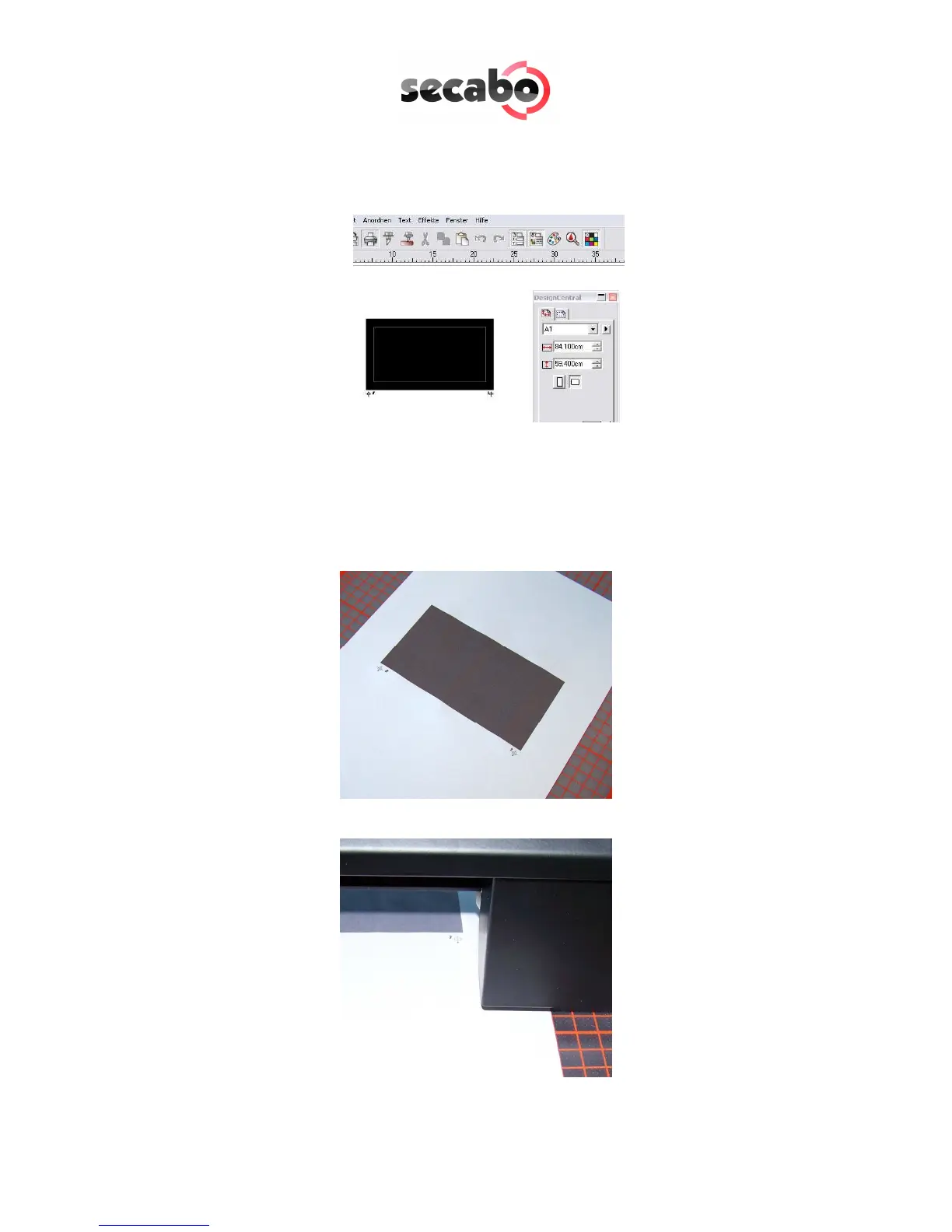
• Now please click on the printer symbol in the top menu to print the object
according to the set marks with a printer of your choice. Please be careful
that the print is not scaled by the printer driver.
• Please place the print in the cutting plotter (if using paper its best on a
plotting pad) so that the set marks are located on the left above the cutting
head.
• Now choose the contour cutting function from the top menu.



 To Next Page