21
• Now you can repeat the contour cut by repeating all steps starting off with
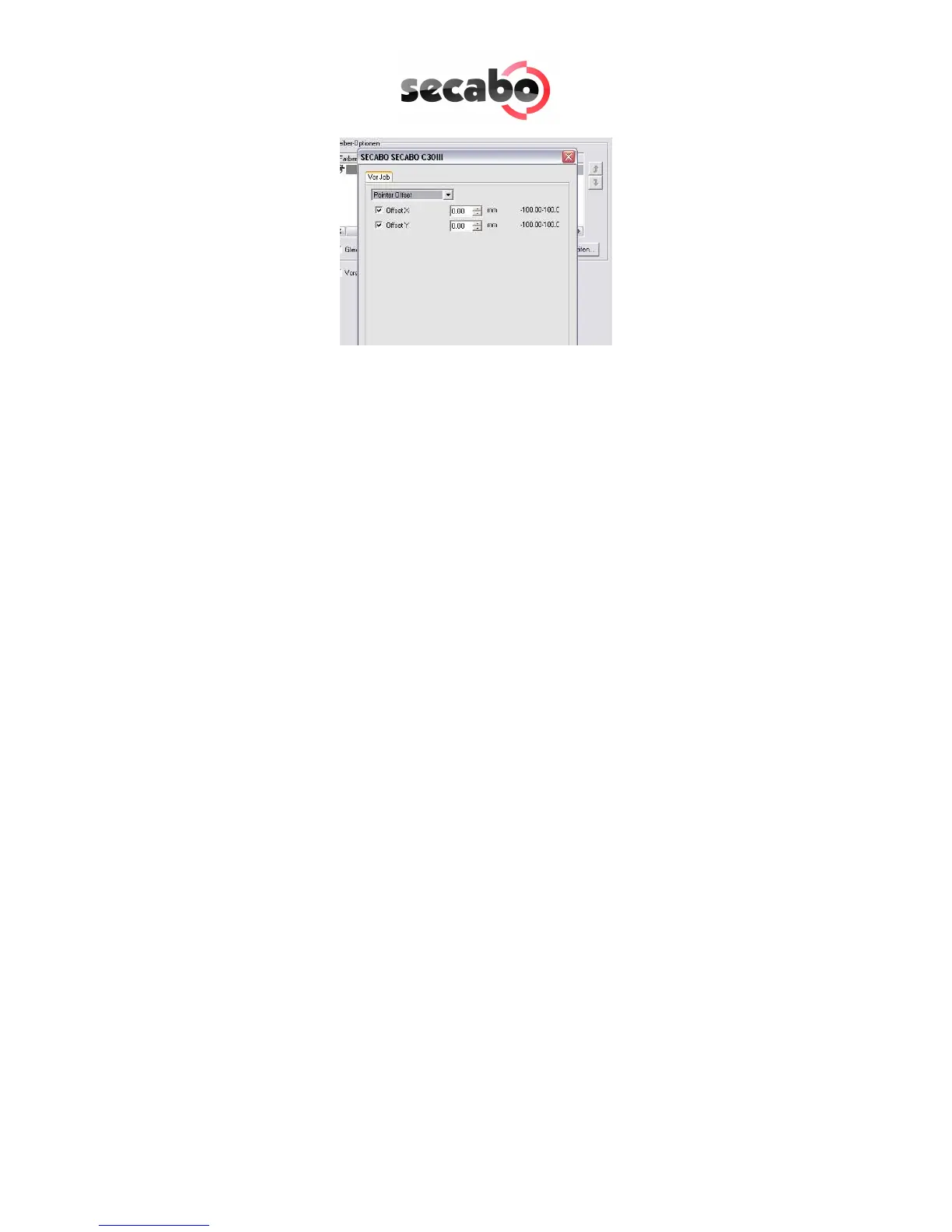
„Send“ in the menu „Contour cutting”. Please look out for the offset values if
applicable.
7.2 Application of LAPOS
• After the successful calibration you can use LAPOS by pursuing the steps in
chapter 7.1 though, without measuring and entering the offset values again.
• Instead of the above used rectangle you can import any type of object and
graphic into the FlexiStarter and cut them perfectly outlined.
• You normally now use the knife carrier with the cutting head in your cutting
plotter.



 To Next Page