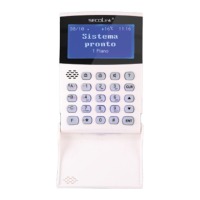
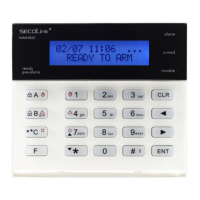
Short user manualIntruder alarm system
KM24, KM24A, KM24G keypadKM24, KM24A, KM24G keypad
Page 5
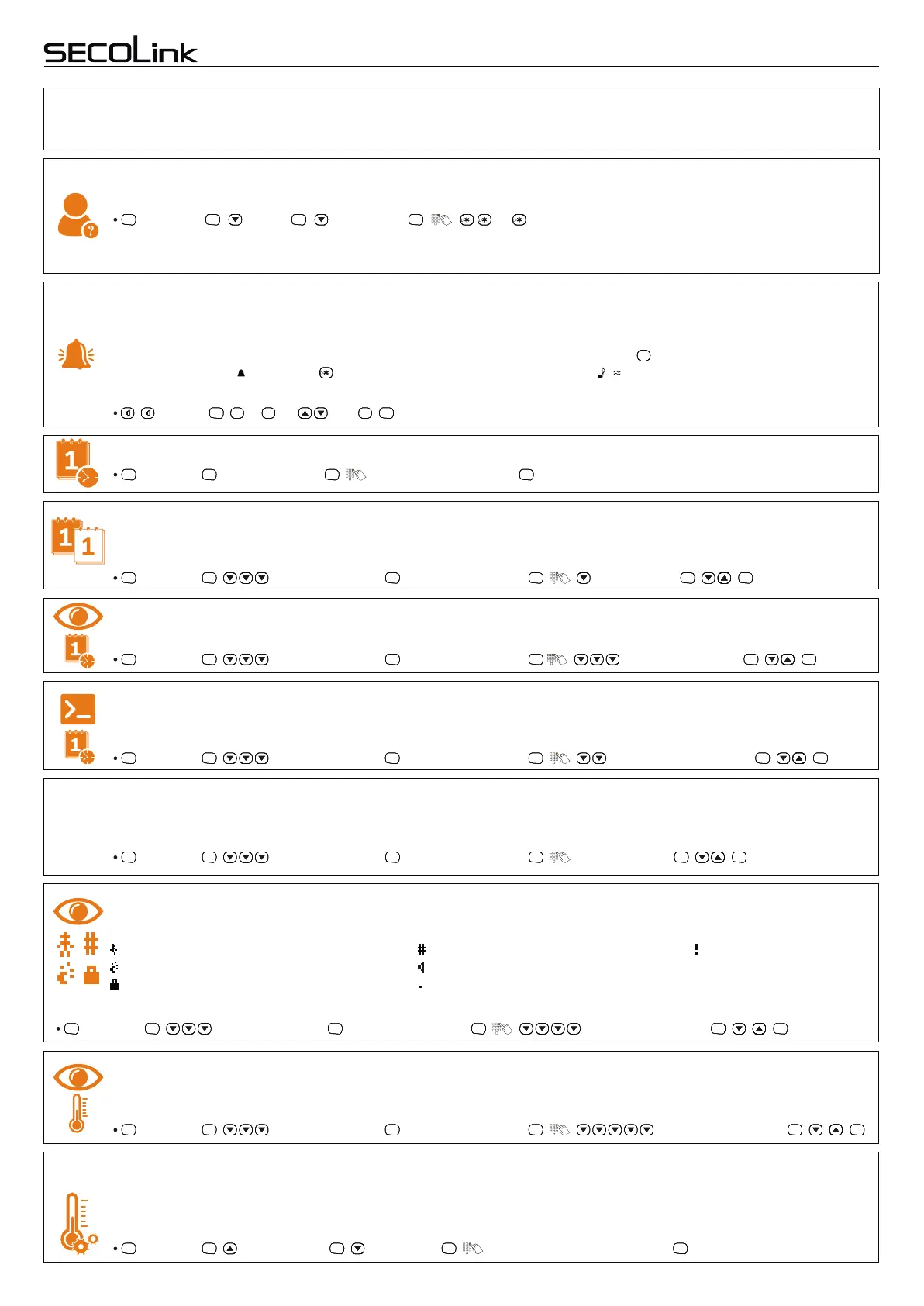
Review all activated users
It is recommended to review how many users can control the system after an installation. To view activated users:
, Settings , Users , Edit Users , , ... .
ENTENTENTENT ENTENTENTENT ENTENTENTENT ENTENTENTENT
LCD screen will display a user’s number (e.g., U01) and status (e.g., Enabled or Disabled). All users with an
Enabled status can control the system or its partitions (areas).
Chime mode
, , Chime , ... or and , .
ENTENTENTENT
0000
9
WXYZ
9
WXYZ
9
WXYZ
9
WXYZ
####
ENTENTENTENT
Date and time settings
, Settings , Date and Time , , (enter date and time), .
ENTENTENTENT ENTENTENTENT ENTENTENTENT ENTENTENTENT
This feature can be used only while the intruder alarm system is disarmed. Your system can be set to alert you by
sound or lighting of the LCD display and keys when doors or windows are being opened, or during any violation of
the selected zone. To select which zone will feature a Chime function press the key on a selected zone which will
then be marked by . Press the key to change Chime melody (symbols , could appear). To enable this function
please do the following:
####
Date Format
Two different date formats are available in the system: Year-Month-Day (YYYY-MM-DD) or Day/Month/Year
(DD/MM/YYYY). To change date format:
, Settings , Keypad Settings , Interface Settings , , Date Format , .
ENTENTENTENT ENTENTENTENT ENTENTENTENT ENTENTENTENT ENTENTENTENT ENTENTENTENT
Prompts to change date and time
Show Date and Time
Date and Time can be hidden if it is not needed to be displayed on keypad’s LCD screen. This can be achieved by:
, Settings , Keypad Settings , Interface Settings , , Prompt Change Time , , .
ENTENTENTENT ENTENTENTENT ENTENTENTENT ENTENTENTENT ENTENTENTENT ENTENTENTENT
, Settings , Keypad Settings , Interface Settings , , Show Date&Time , , .
ENTENTENTENT ENTENTENTENT ENTENTENTENT ENTENTENTENT ENTENTENTENT ENTENTENTENT
The keypad will automatically show prompts to change date and time after each system power up. This prompt can
be disabled via the menu if it is not needed.
Show status icons
, Settings , Keypad Settings , Interface Settings , , Show Status Icons , , .
ENTENTENTENT ENTENTENTENT ENTENTENTENT ENTENTENTENT ENTENTENTENT ENTENTENTENT
Character Set
Different language character sets allow the user to enter a partition, module, user or zone names using those
characters. This can be achieved by:
, Settings , Keypad Settings , Interface Settings , , Character Set , , .
ENTENTENTENT ENTENTENTENT ENTENTENTENT ENTENTENTENT ENTENTENTENT ENTENTENTENT
Latin
Cyrillic
Greek
Baltic
European
The keypad has an icon set to represent a different status in each partition. Available icons:
The keypad shows status icons by default. This setting can be changed in the menu as follows:
– partition is armed in Stay mode;
– partition is armed in Night mode;
– partition is armed in Max Away mode;
– partition is armed in Away mode;
– Pre-Alarm mode is turned On;
– partition is disarmed”;
Show temperature (KM24A, KM24G)
KM24A and KM24G keypads have a temperature sensor that shows on screen the value of measured temperature
by default. This setting can be changed in the menu as follows:
, Settings , Keypad Settings , Interface Settings , , Show Temperature , , .
ENTE NTENTENT ENTE NTENTENT ENTE NTENTENT ENTE NTENTENT ENTE NTENTENT ENTE NTENTENT
Correction of temperature displayed on the keypad (KM24A, KM24G)
, Settings , Temperature , Correction , , (enter temperature value), .
ENTE NTENTENT ENTENTENTE NT ENTE NTENTENT ENTENTENTENT ENTE NTENTENT
If the keypad shows an incorrect environment temperature it is recommended to make temperature corrections. It
can be done by entering a value of the temperature measured with domestic thermometers. The correction can be
made in the menu as follows:
is not recommended to use PIN codes that contain two or more same digits (e.g. 1111 or 1212) or consist of consecutive digits
(e.g. 3456). The keypad will inform the user that the PIN code change is necessary, if the PIN code is known/reconized to
other user. Using an invalid PIN code three times may: trigger an alarm and block the keypad for 90 seconds.
– zone is violated.


 To Next Page
 Loading...