4. Playback
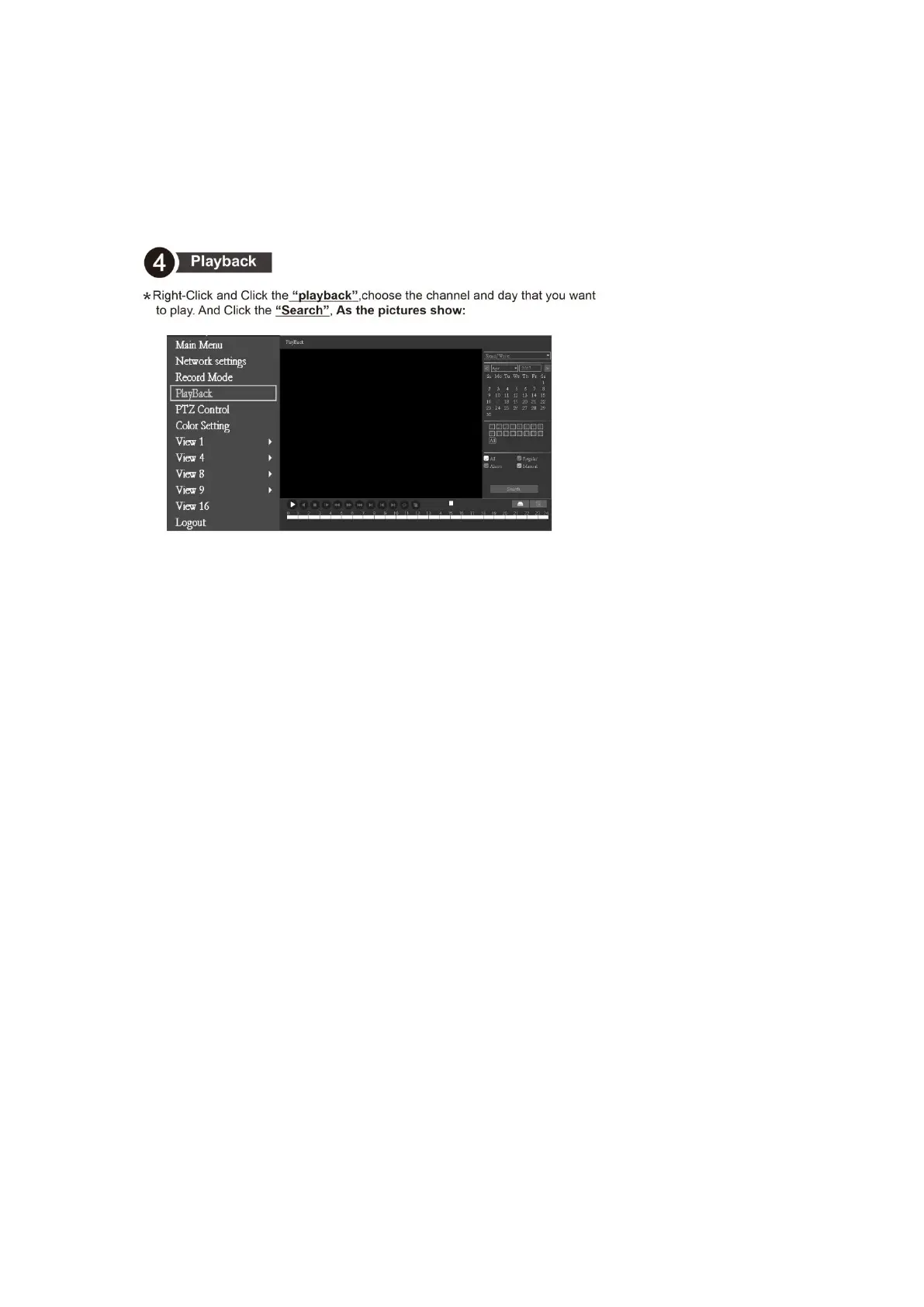
Right-Click and Click the “playback”,choose the channel and day that you want to play.
And Click the “Search”, As the pictures show:
FAQ: No image during playback
1. View the channel management-channel status, display the current resolution and the
maximum resolution, the current resolution is the resolution of the camera, and the
maximum resolution is the video recorder resolution;
2. If the resolution of the camera is higher than the resolution of the video recorder, the
real-time preview screen is the sub stream, and you can see that the screen is normal.
3. During playback, the main stream of the camera is played back, the resolution is higher
than the channel resolution, so there is no image display.
4. The resolution of the camera and video recorder can be adjusted to solve this problem.



 To Next Page