8. Channel Management
The HD NVR will automatically add IPC to NVR by default. If you need to manually add
device, please operate as the following:
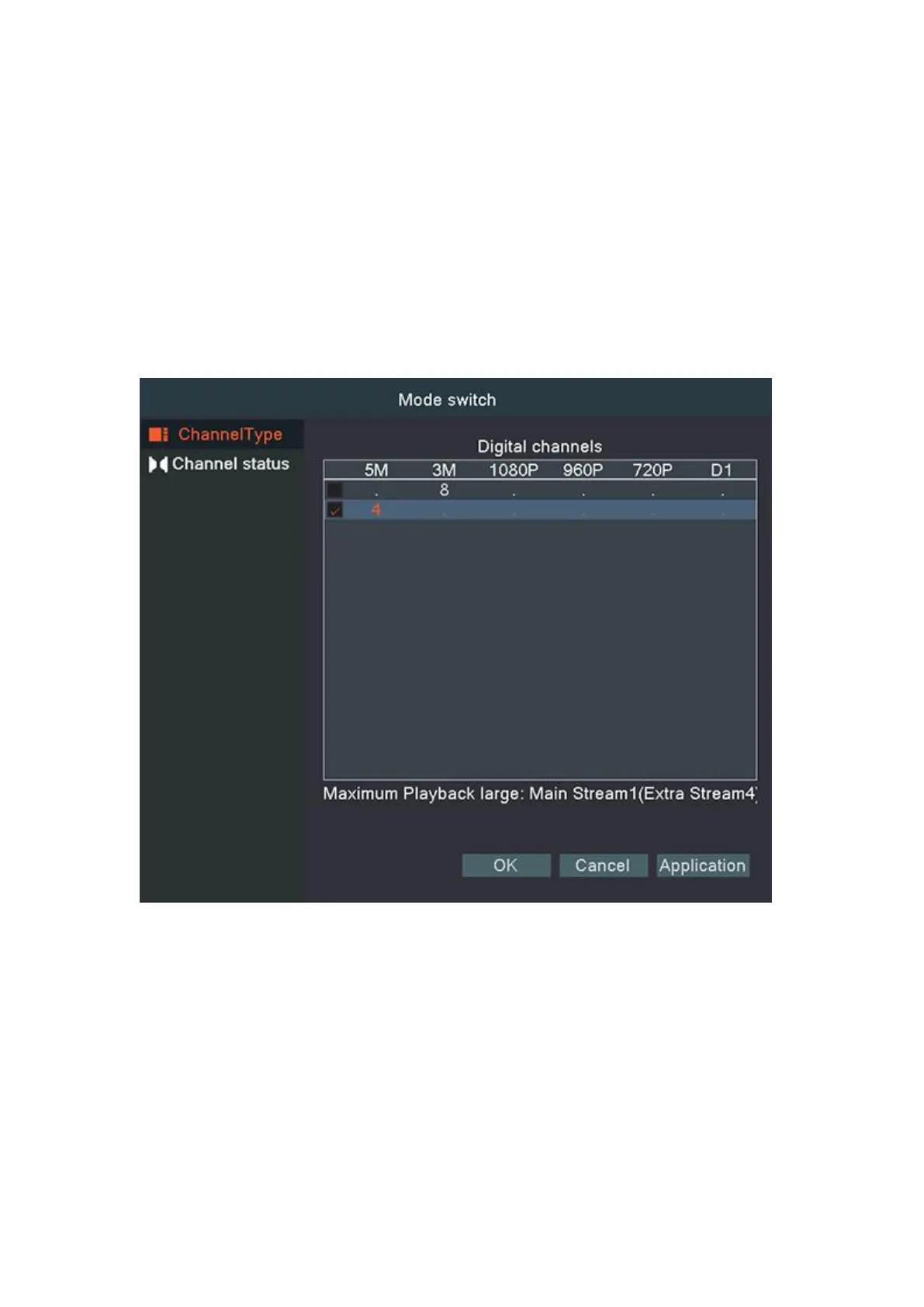
8.1 Channel Type
Channel type,displaying and setting channel mode supported by video recorder and
displaying maximum playback channels of all channel modes at the meantime.
Channel status is to show the status of all the digital channel. When there is what existing,
status including Max Resolution, This Resolution, Connection Status.
FAQ: Video recorder preview without image
1) First, see if the camera is successfully added to the video recorder. If it succeeds,
check the channel status in the system settings-channel management-channel.
If the resolution is recognized, there is no problem with the camera.
2) If the resolution here is unknown, or the device link status is not online, it means that
the camera may be offline, or the password is not filled in. You can access the camera



 To Next Page