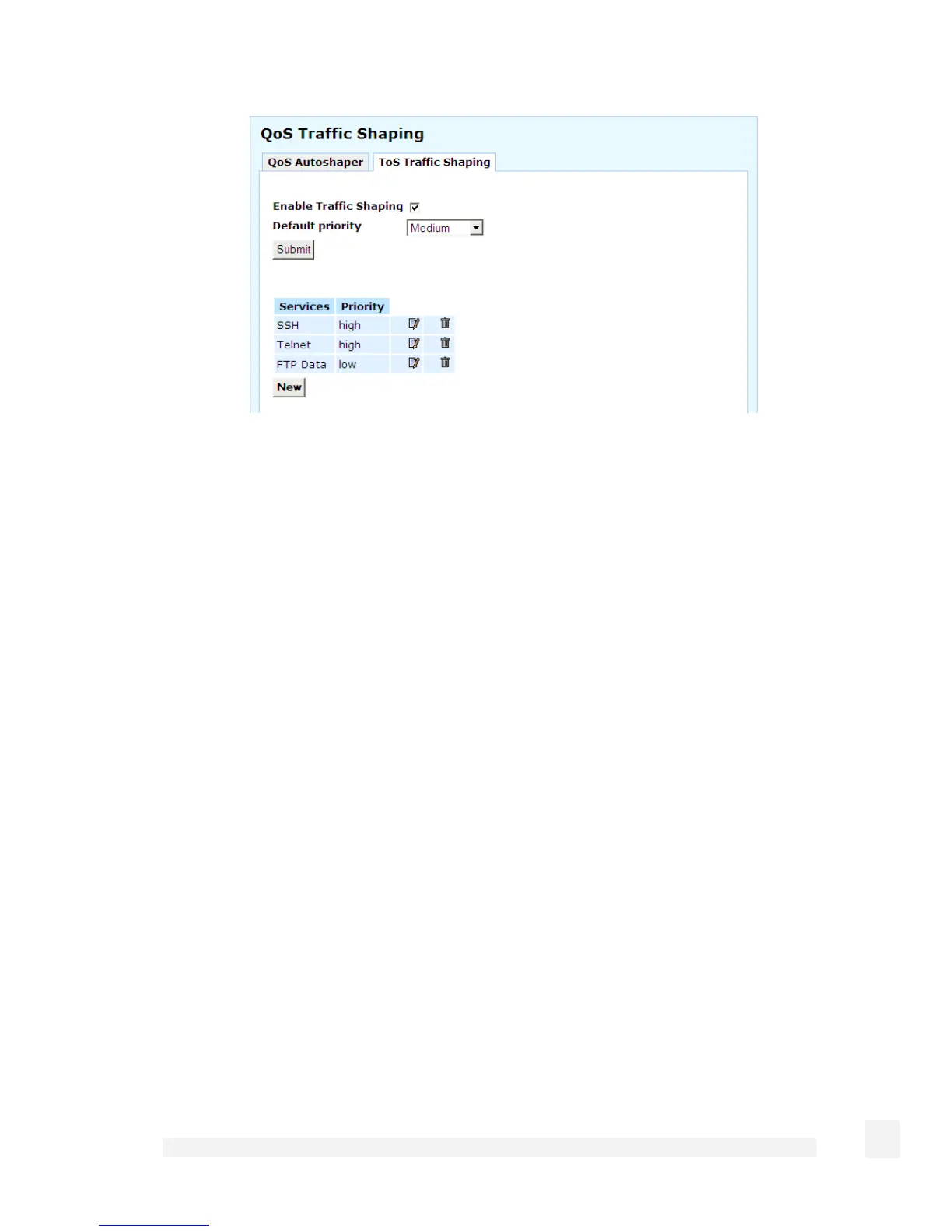
Check Enable Traffic Shaping, select a Default priority and click Submit to enable this
feature. The Default priority is assigned to all network services other than those
specifically added below.
To add a service, click New then New again. Select the Protocol and Port on which this
service runs. Select Priority for this service then click Finish.
132
Network Setup



 To Next Page