Wireless
Note
SG565 only.
The SnapGear unit’s wireless interface may be configured as a wireless access point,
accepting connections from 802.11b (11 Mbit/s) or 802.11g (54 Mbit/s) capable wireless
clients.
Typically, the SnapGear unit’s wireless interface is configured in one of two ways; with
strong wireless security (WPA) to bridge wireless clients directly onto your LAN, or with
weak wireless security as a Guest connection. The latter requires wireless clients to
establish a VPN tunnel on top of the wireless connection to access the LAN, DMZ and
Internet, to compensate for the security vulnerabilities WEP poses.
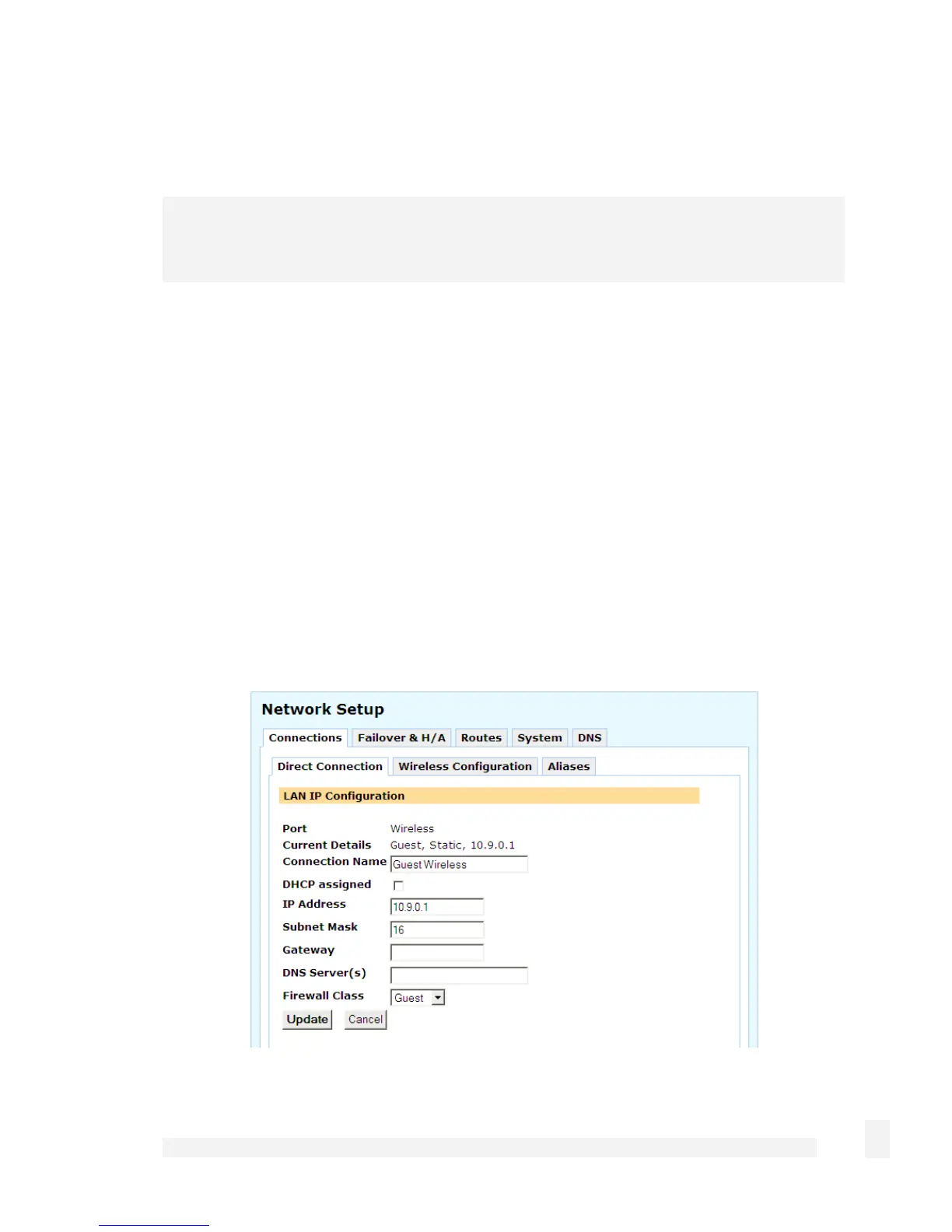
Configuring a wireless connection
Select Direct Connection from the Change Type pull-down box of the wireless network
interface. Enter appropriate IP address information for the wireless network, and from
the Firewall Class pull-down menu, select whether your wireless network is a Guest,
DMZ, LAN or Internet connection.
77
Network Setup



 To Next Page