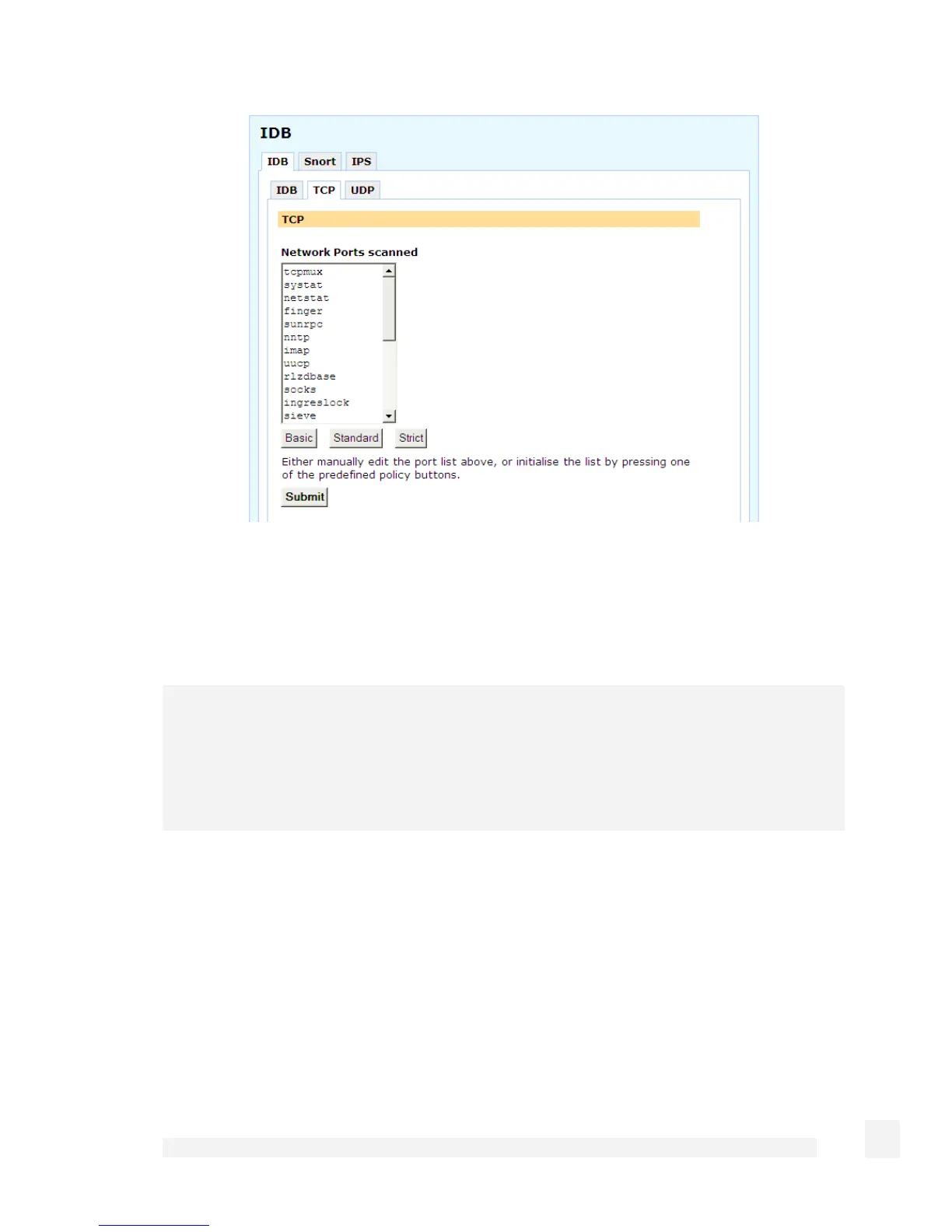
The Basic button installs a bare bones selection of ports to monitor while still providing
sufficient coverage to detect many intruder scans. The Standard option extends this
coverage by introducing additional monitored ports for early detection of intruder scans.
The Strict button installs a comprehensive selection of ports to monitor and should be
sufficient to detect most scans.
Warning
The list of network ports can be freely edited; however, adding network ports used by
services running on the SnapGear unit (such as telnet) may compromise the security of
the device and your network. It is strongly recommended that you use the pre-defined
lists of network ports only.
Advanced Intrusion Detection and Prevention (Snort and IPS)
Advanced Intrusion Detection and Prevention is based on two variants of the tried and
tested intrusion detection and prevention system Snort v2.
Snort in IDS (Intrusion Detection System) mode resides in front of the firewall, and
detects and logs a very wide range of attacks. Snort in IPS (Intrusion Prevention
System) mode resides behind the firewall, and detects and blocks a wide range of
attacks.
166
Firewall



 To Next Page