Service groups
A network service is defined by a protocol and port. Protocol may be either TCP, UDP,
ICMP or IP, and port may be any valid network port number (i.e. between 1 and 65535),
e.g. HTTP (web) uses the TCP protocol, with a default port of 80. Network packets may
be matched by destination service.
Click the Service Groups tab. Any services that have already been defined are
displayed. Click New to add a new service group, or select an existing service group and
click Modify.
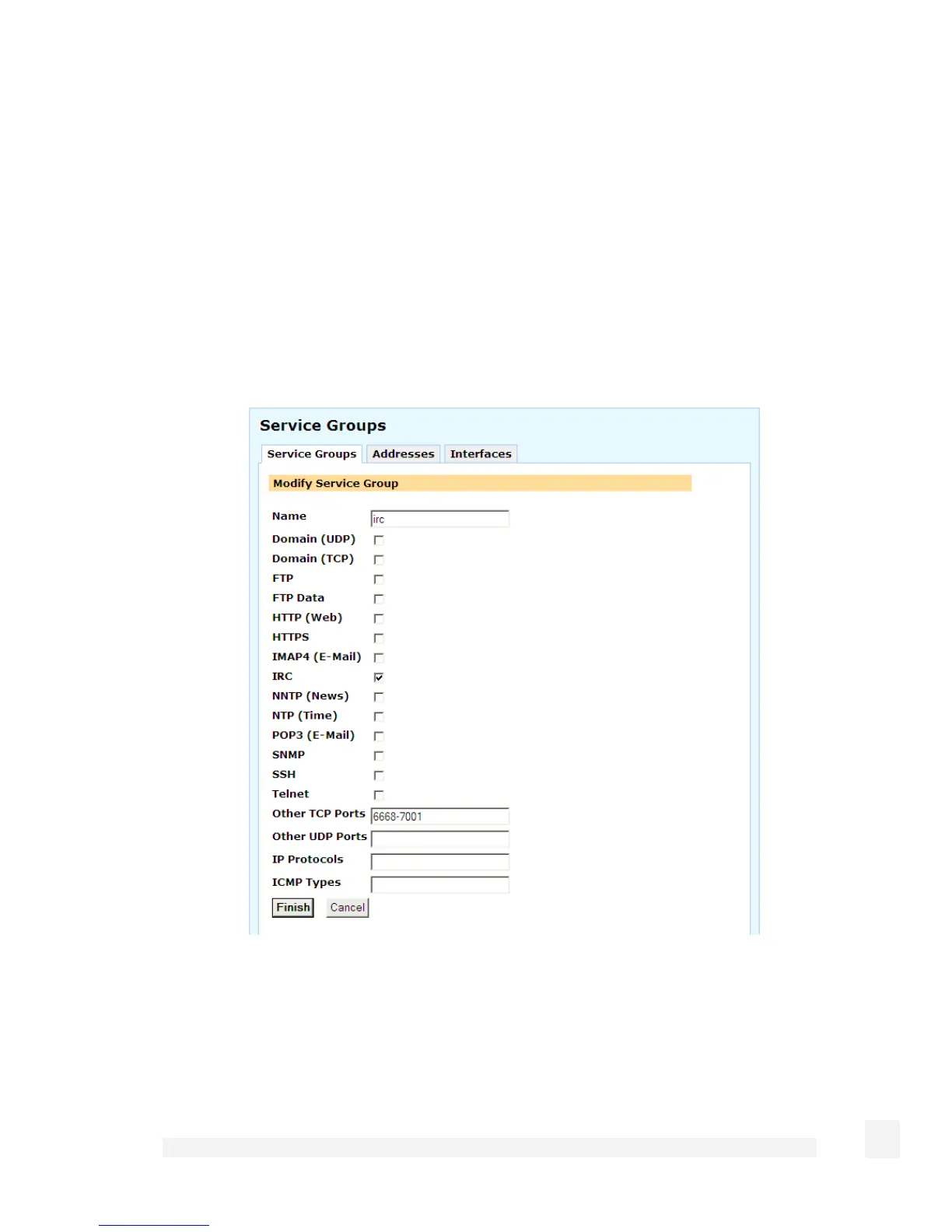
Adding or modifying a service group is shown in the following figure:
A service group can be used to group together similar services. For example, you can
create a group of services that you wish to allow, and then use a single rule to allow them
all at once. Select the services from the list of predefined services, or enter the port
number to define a custom TCP, UDP, ICMP or IP service. A service may belong to
multiple service groups.
141
Firewall



 To Next Page